Features Architecture and interfaces
Architecture, three ways from one model
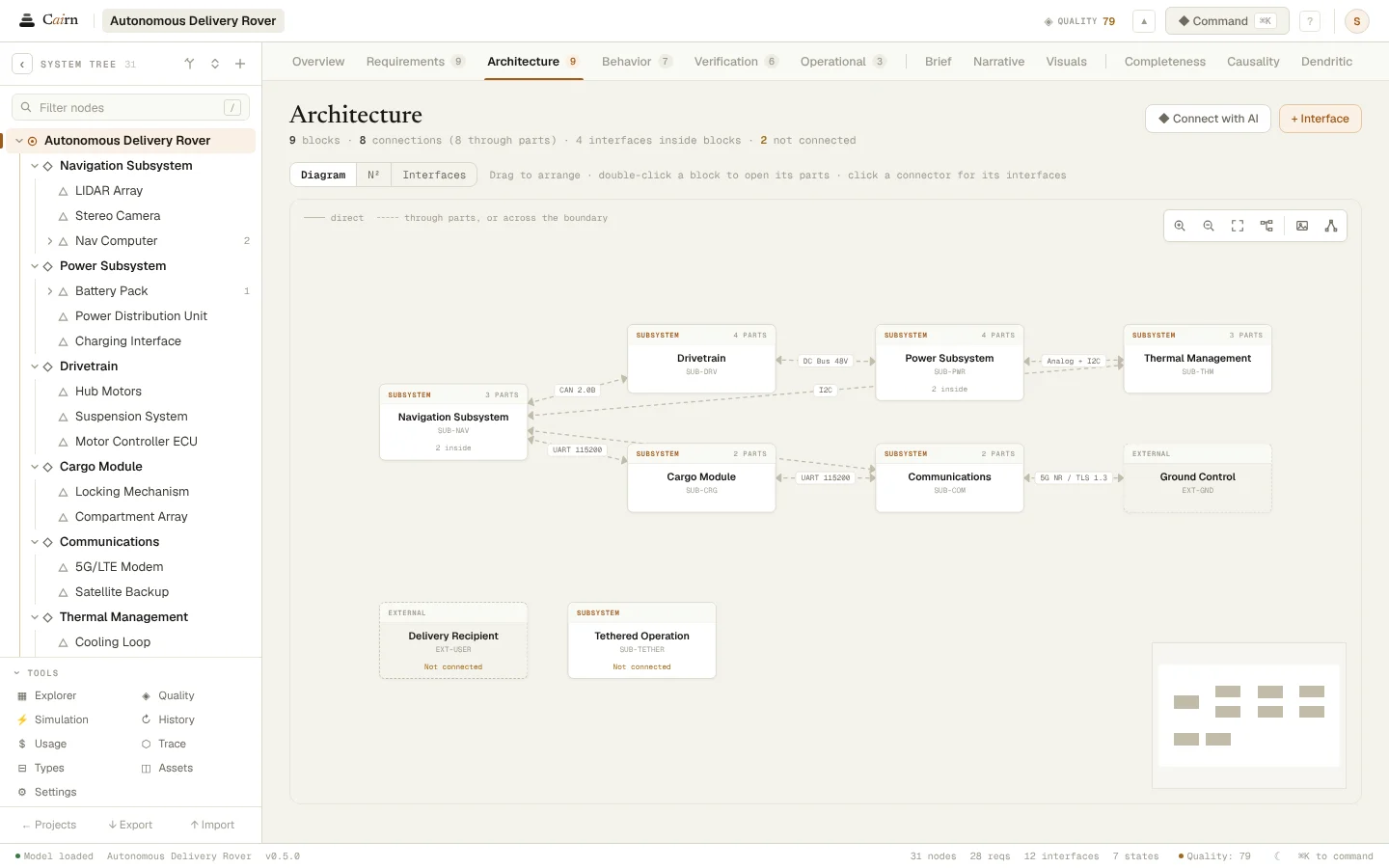
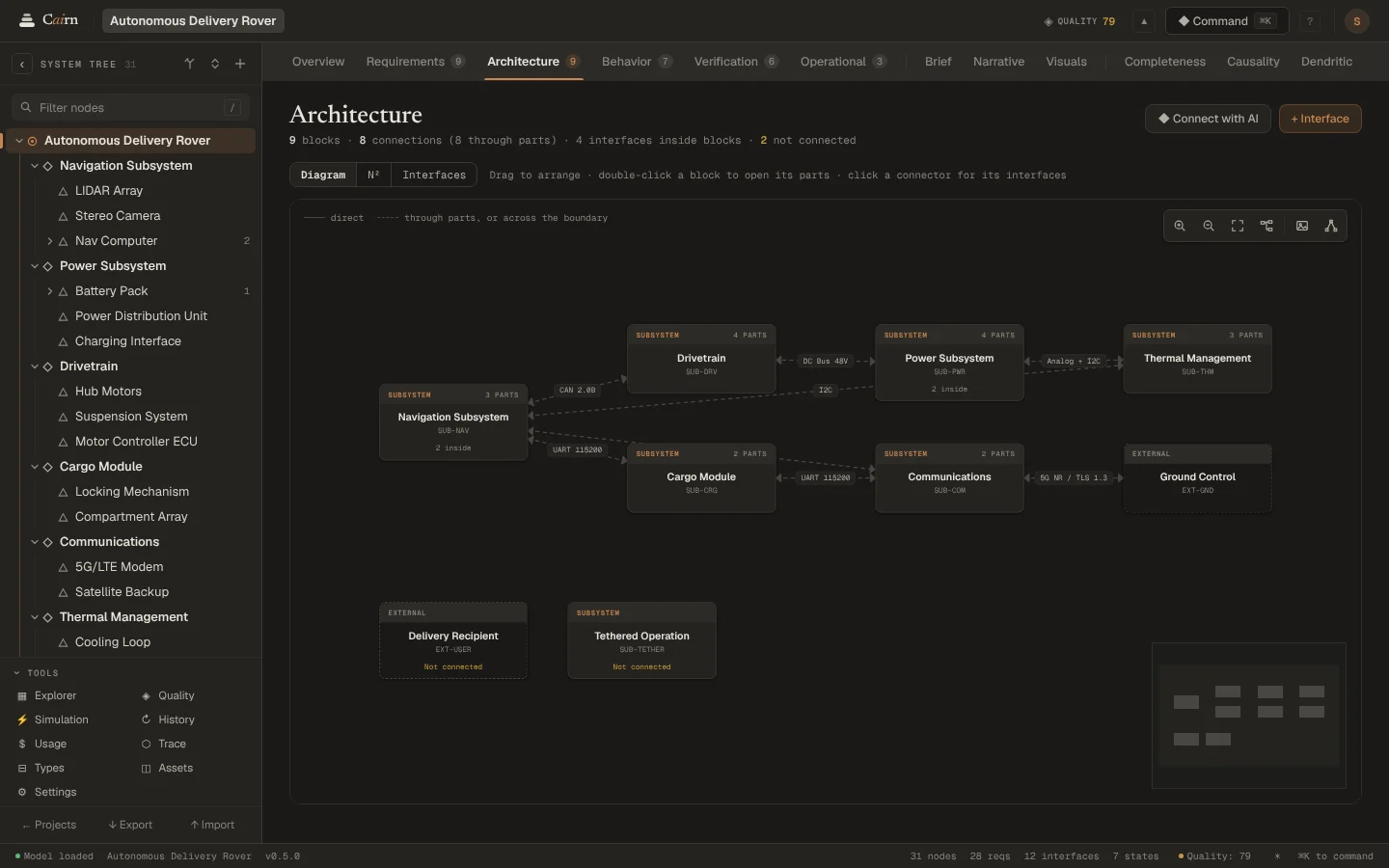
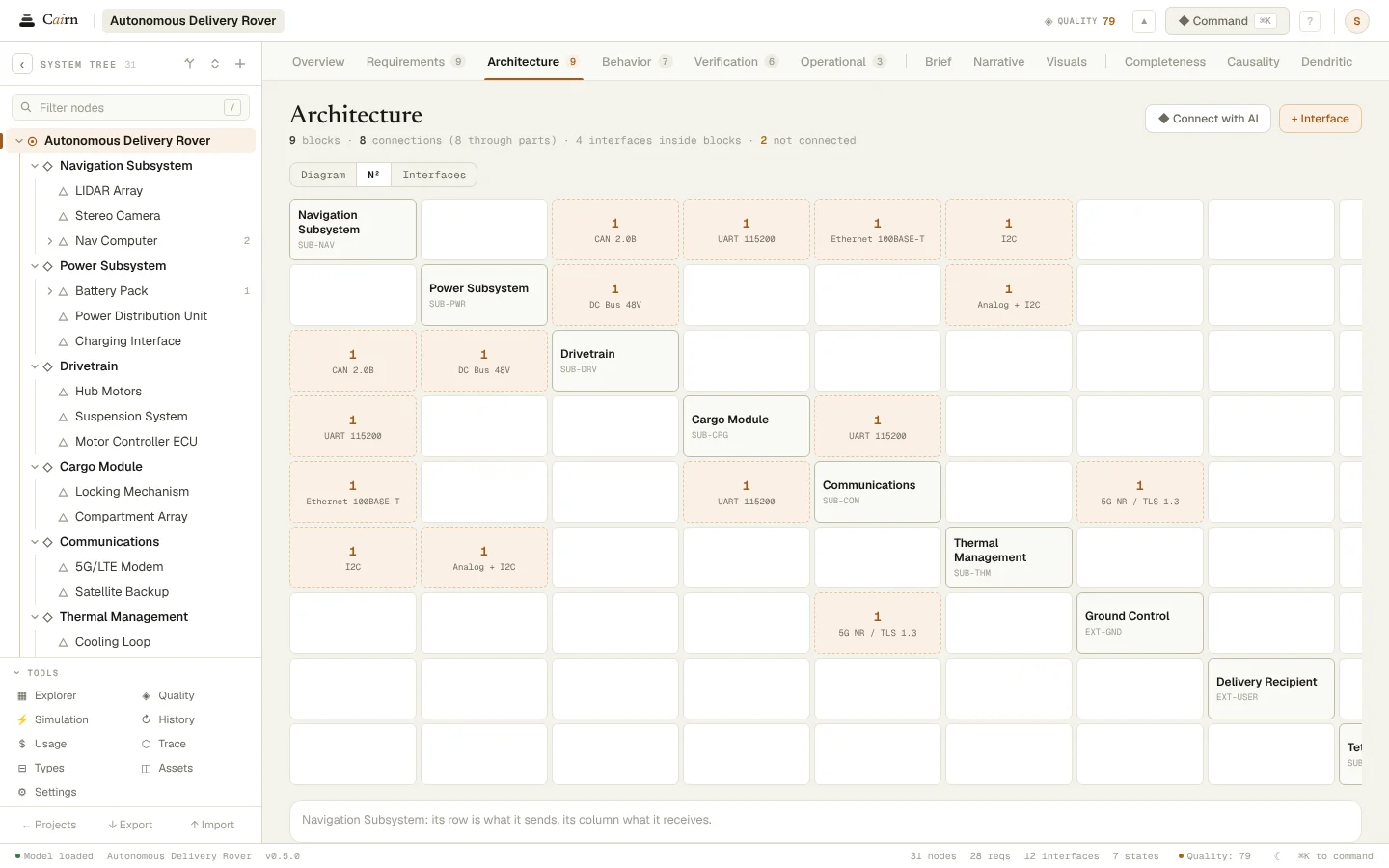
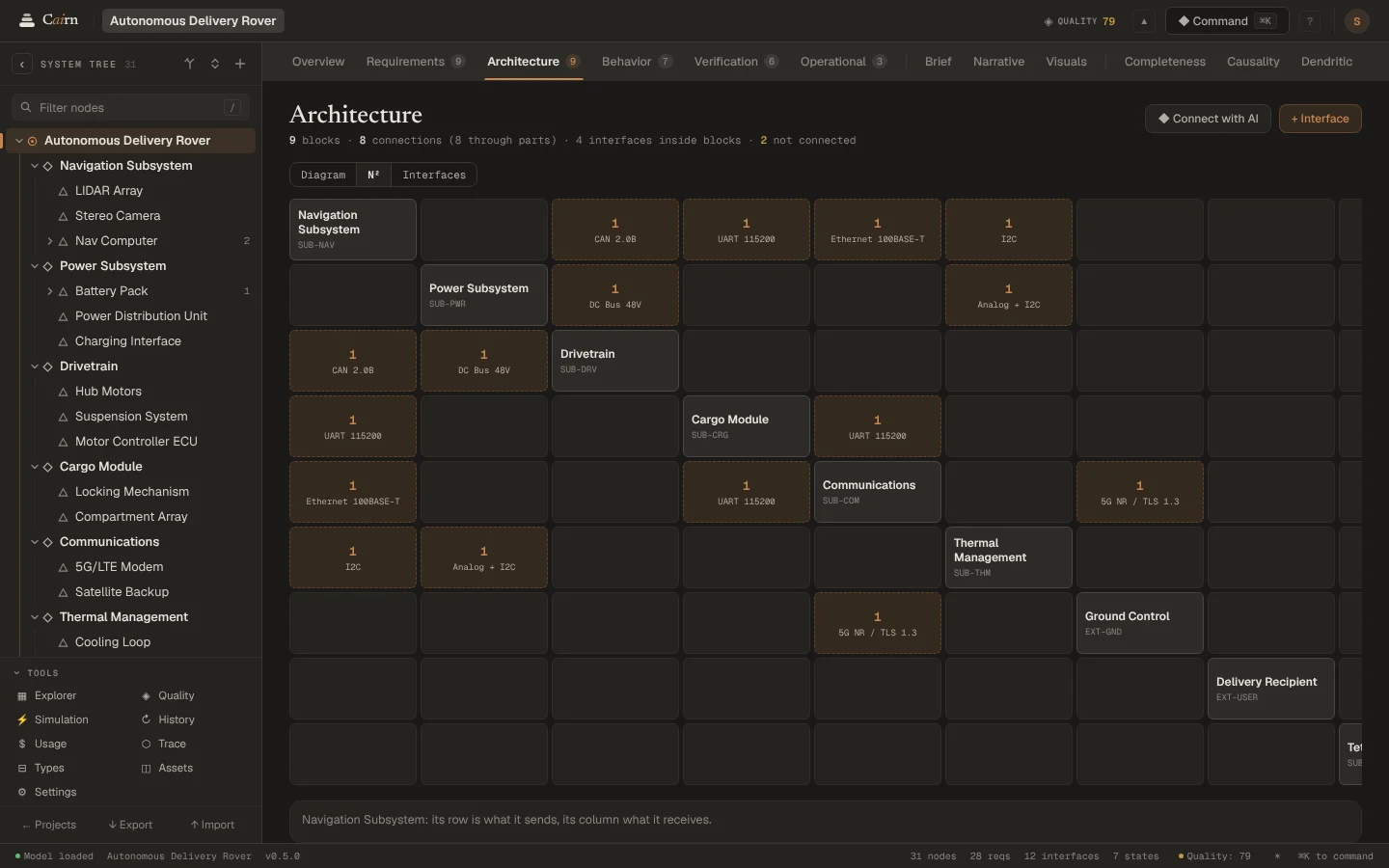
The Architecture lens shows the selected node's parts and every interface between them, at any depth. Read it as a diagram, an N² chart or a list of interfaces with their signals. Each is the same model, so they never disagree.
The diagram
Parts are blocks and interfaces are connectors, with arrows for the way signals flow. Connections made through deeper parts are dashed, and links to nodes outside the boundary show where the system meets its surroundings.
Drag blocks to arrange them. Looking never rewrites the layout, and the diagram exports as PNG or SVG.
The N² chart
Every part sits on the diagonal, and the cells hold what each sends to the others: a row is what a part sends, a column what it receives. Empty rows and columns show the parts nothing connects to.
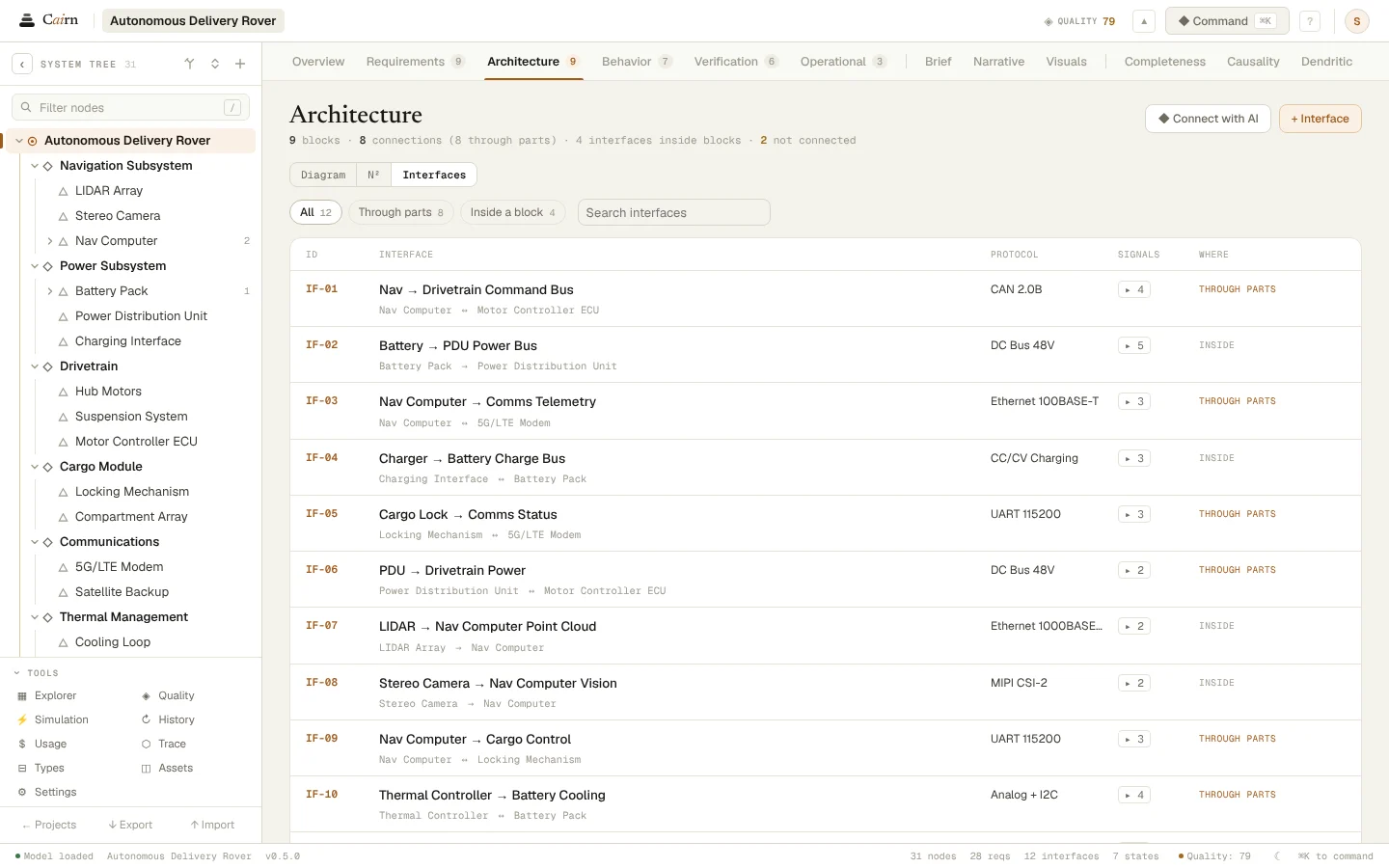
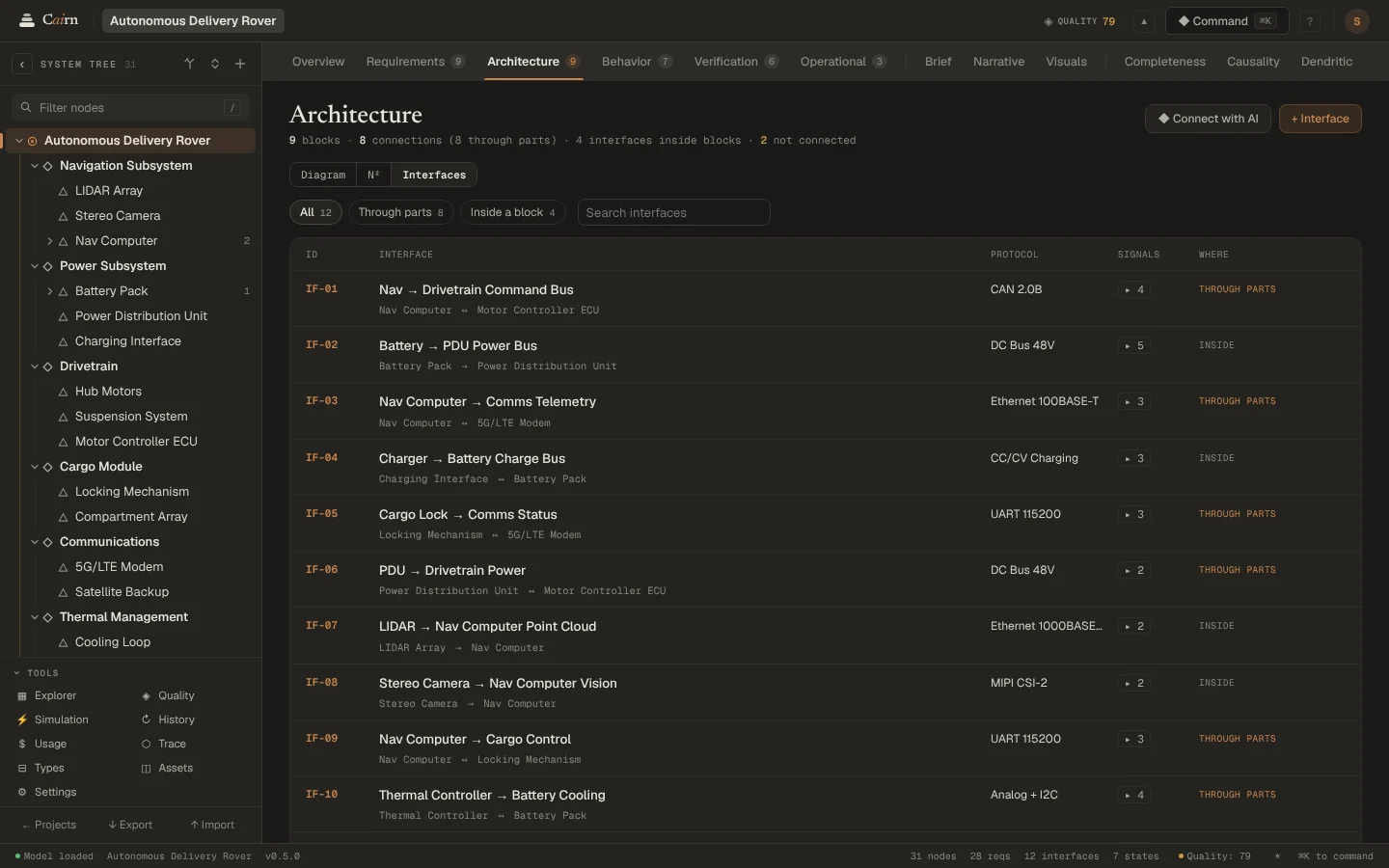
The interface list
Each interface with its source and target, its physical medium and its signals, and whether it joins the parts directly or through their parts. Filter it, or search it by name.
The story of the parts
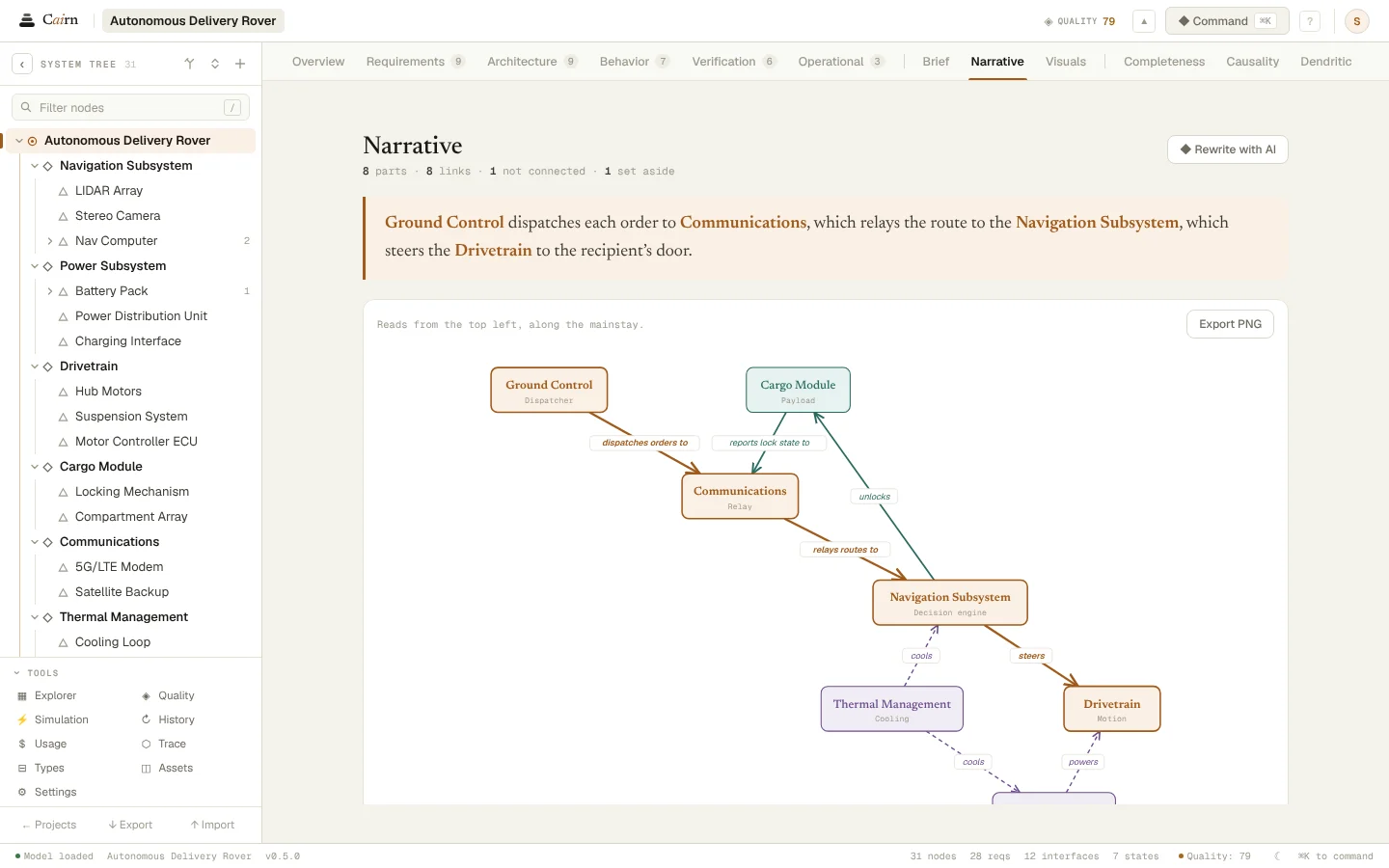
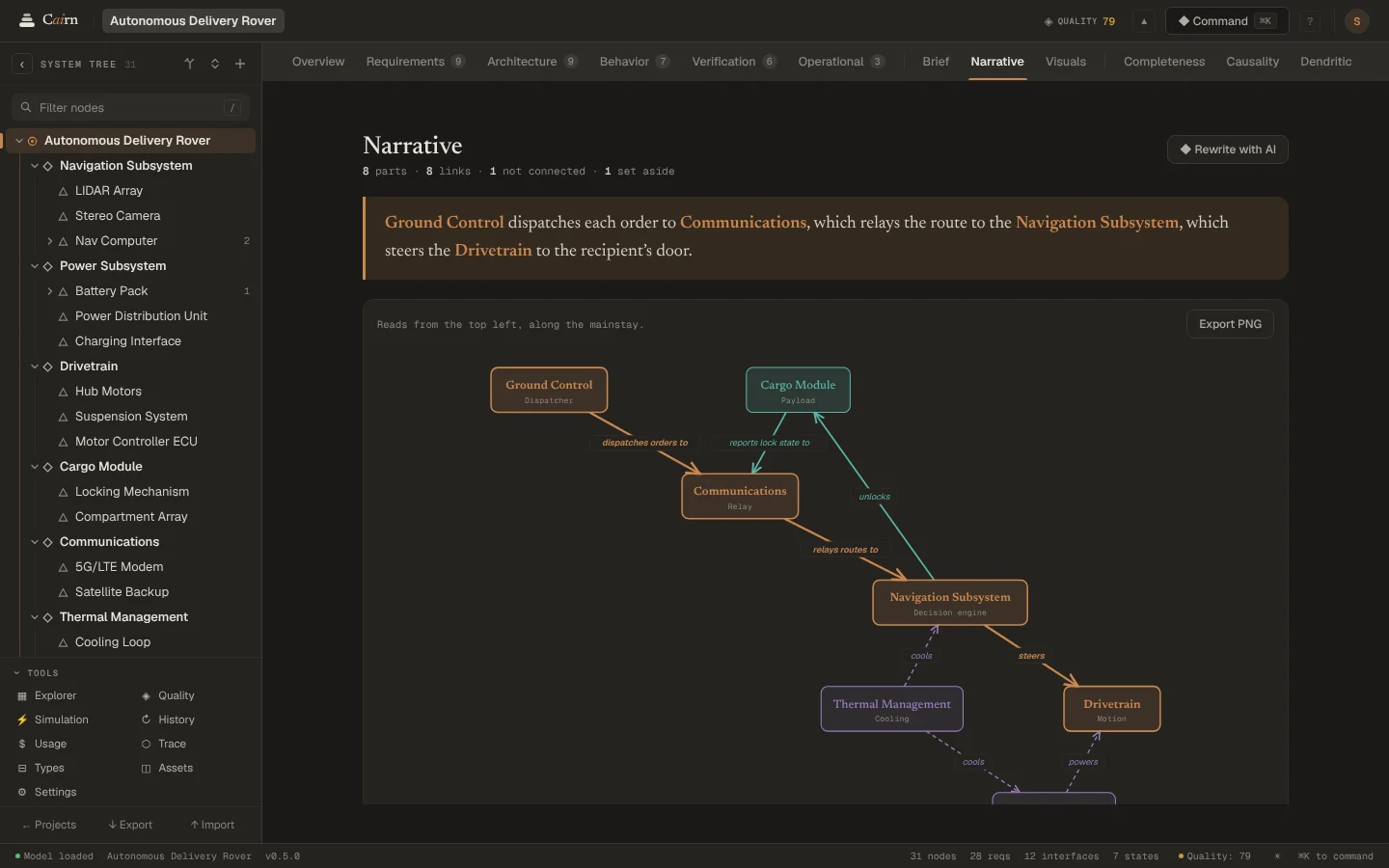
The Narrative lens draws the same parts and links as a systemigram and, with AI, tells how they work together, through Change Review. It says when the parts or their links have moved on since the story was told.
Questions
- What is an N² chart?
- A square matrix with a system's parts on the diagonal and their interfaces in the cells between: each row is what a part sends and each column what it receives. It makes missing and one-way interfaces easy to spot.
- Can I define interfaces by hand?
- Yes. Add an interface from the Architecture diagram or the inspector, with its signals, units and data types. AI can propose them too, through Change Review.
See it on your own system.
Describe what you are building and Cairn interviews you, then builds the first model with you.