Cairn · systems engineering with AI
What are you building?
Describe a physical system in plain words. Cairn interviews you, then builds a model with you: parts, requirements, interfaces, behavior and verification, each traced to the next. The AI proposes; nothing changes until you say so.
Works on your phone: answer the interview anywhere, and finish on a computer. Or try the demo first, no account needed.
Why a model
Chat vanishes. The model stays.
An AI chat leaves you a transcript. Cairn leaves you a model: every part, requirement, interface, state and verification is a record you can open, edit and trace, and it is still there tomorrow.
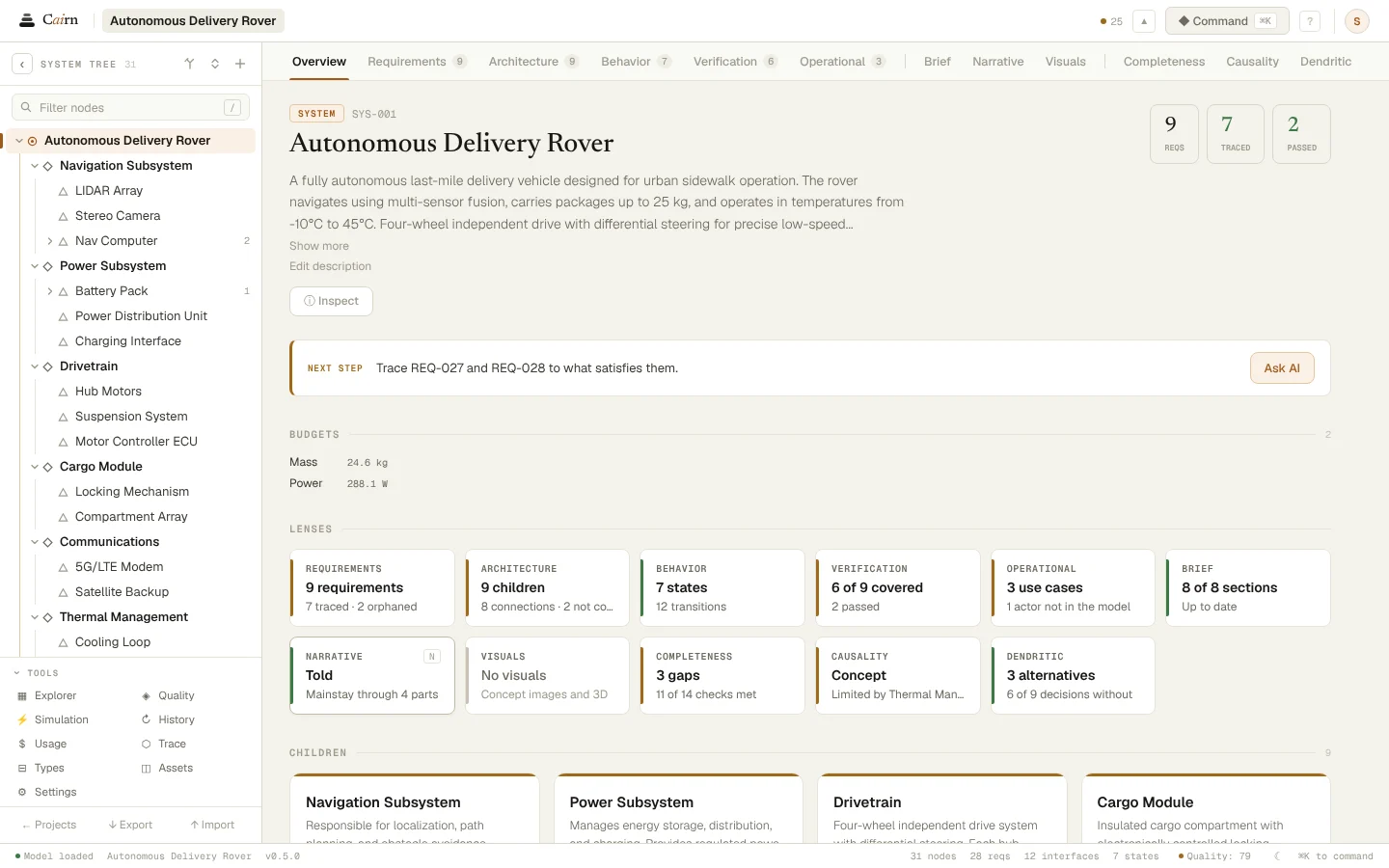
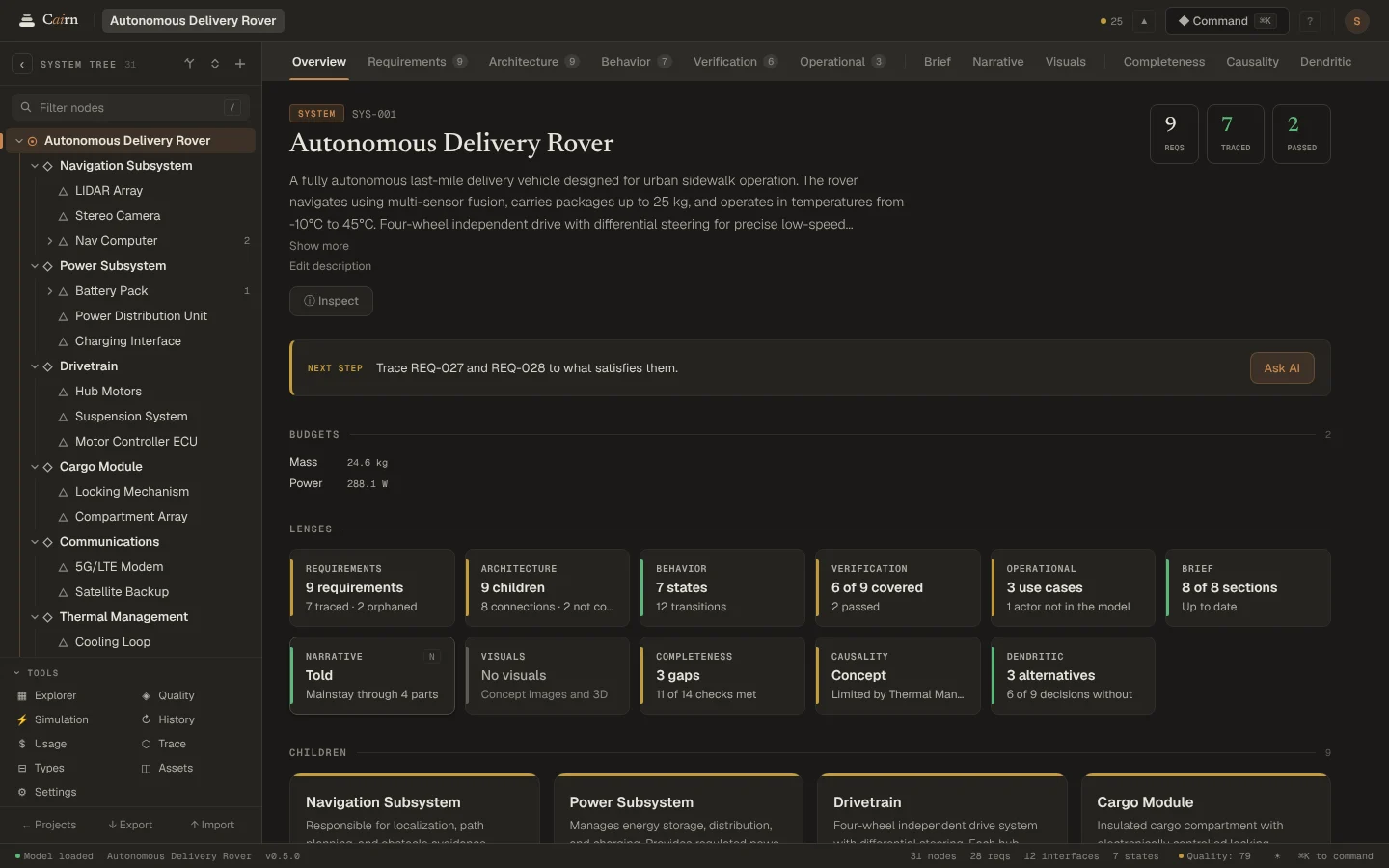
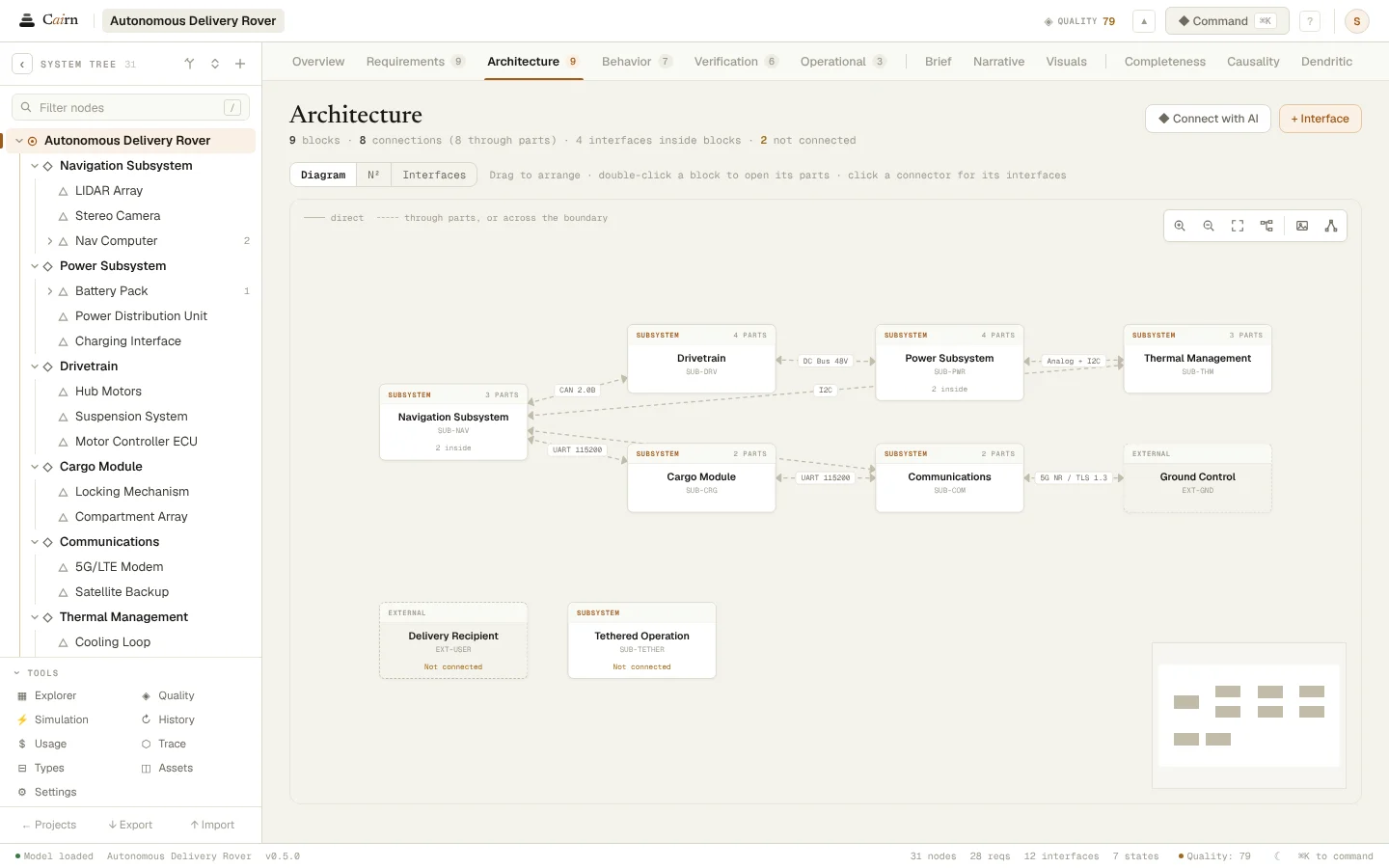
The rover template, the model in every picture on this page:
- 31nodes
- 28requirements
- 12interfaces
- 7states
- 15verifications
- 24trace links
The interview
An interview, not a form.
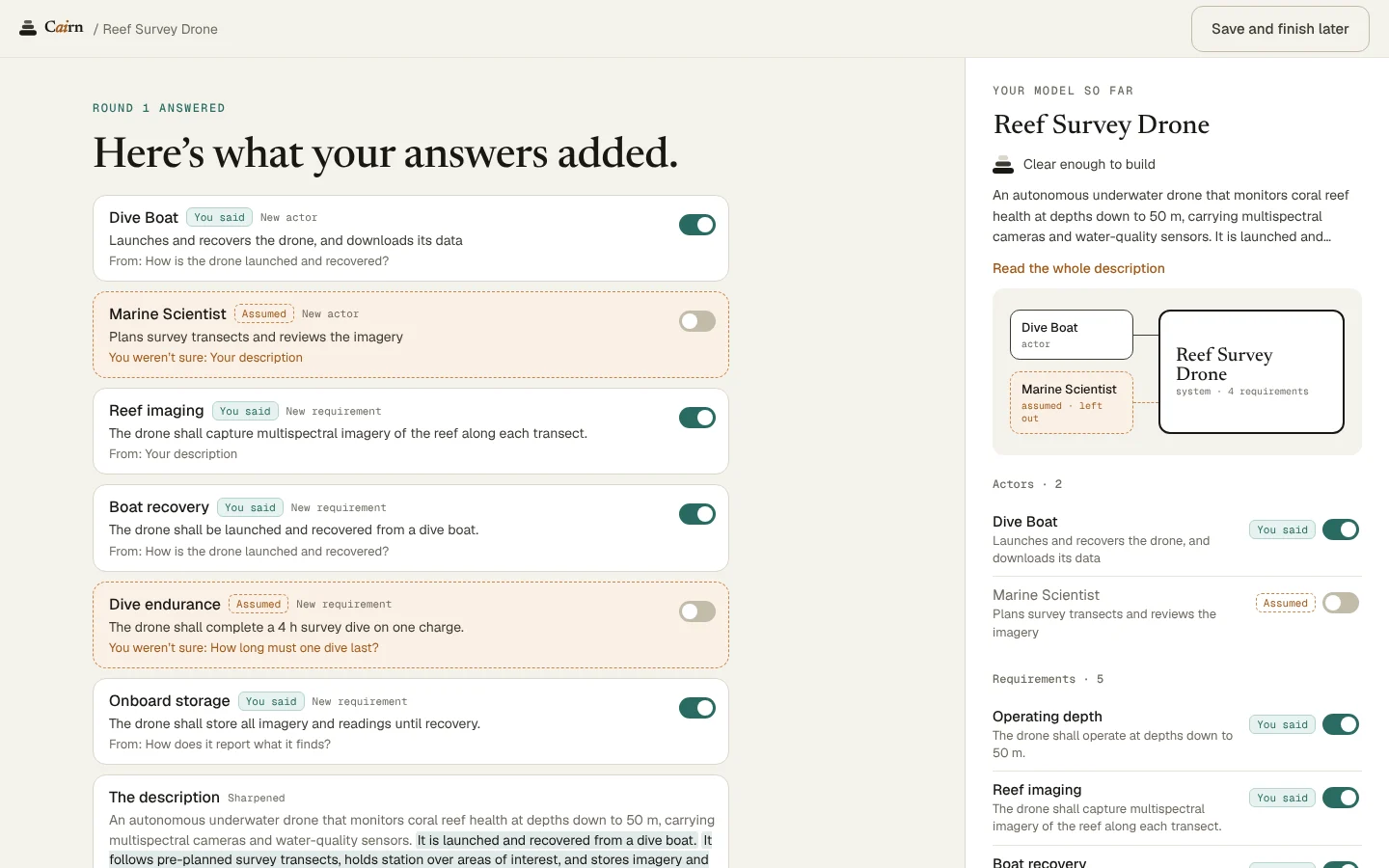
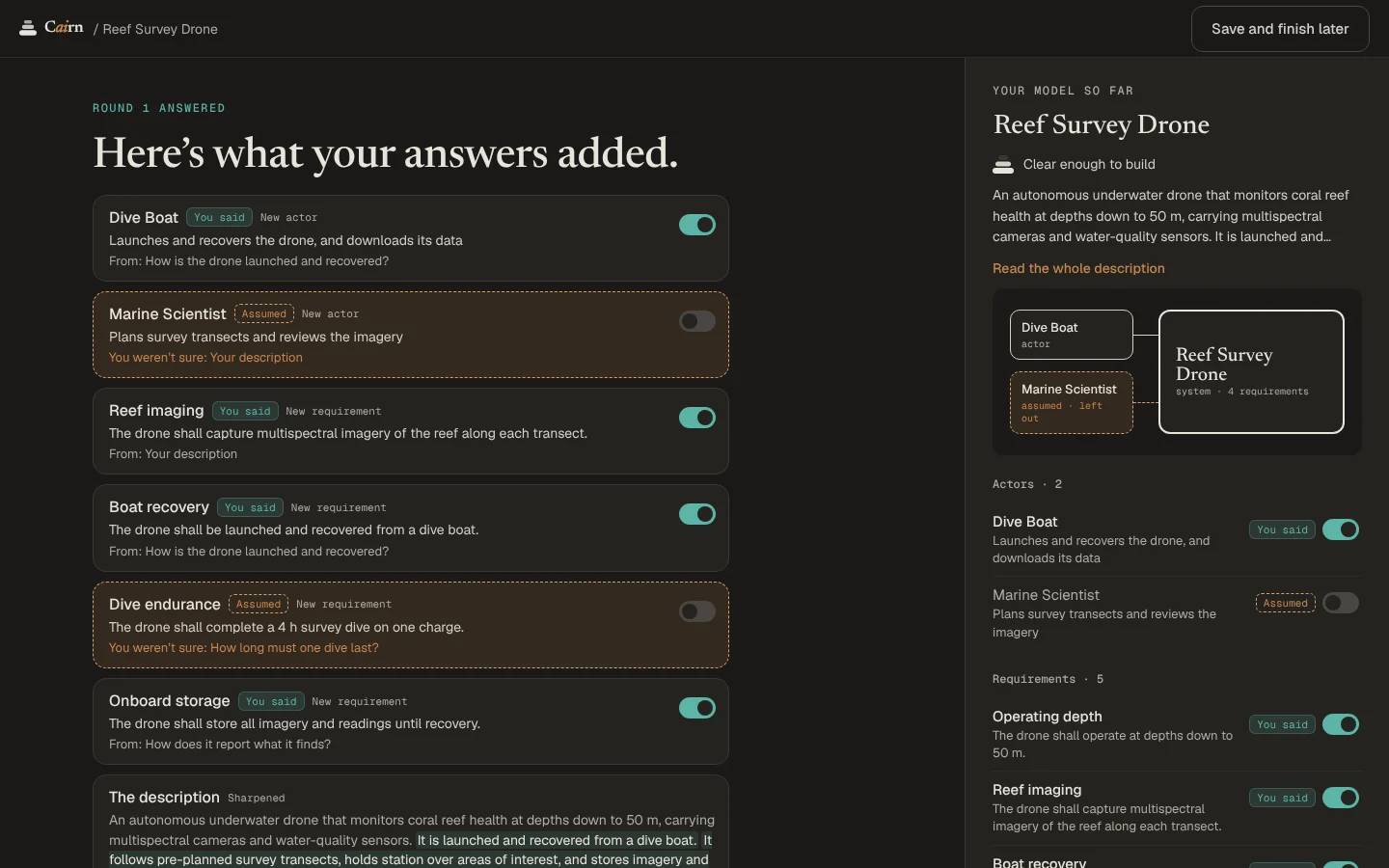
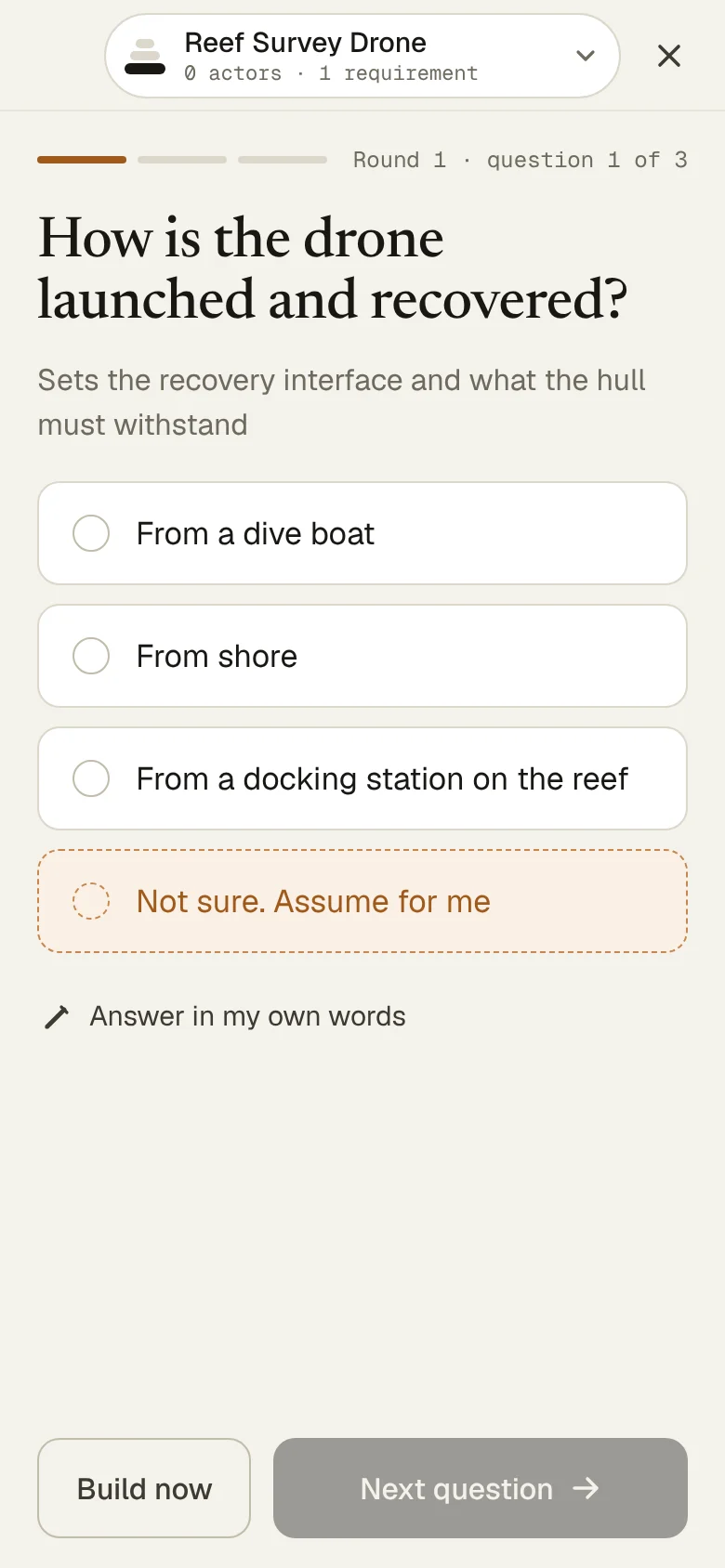
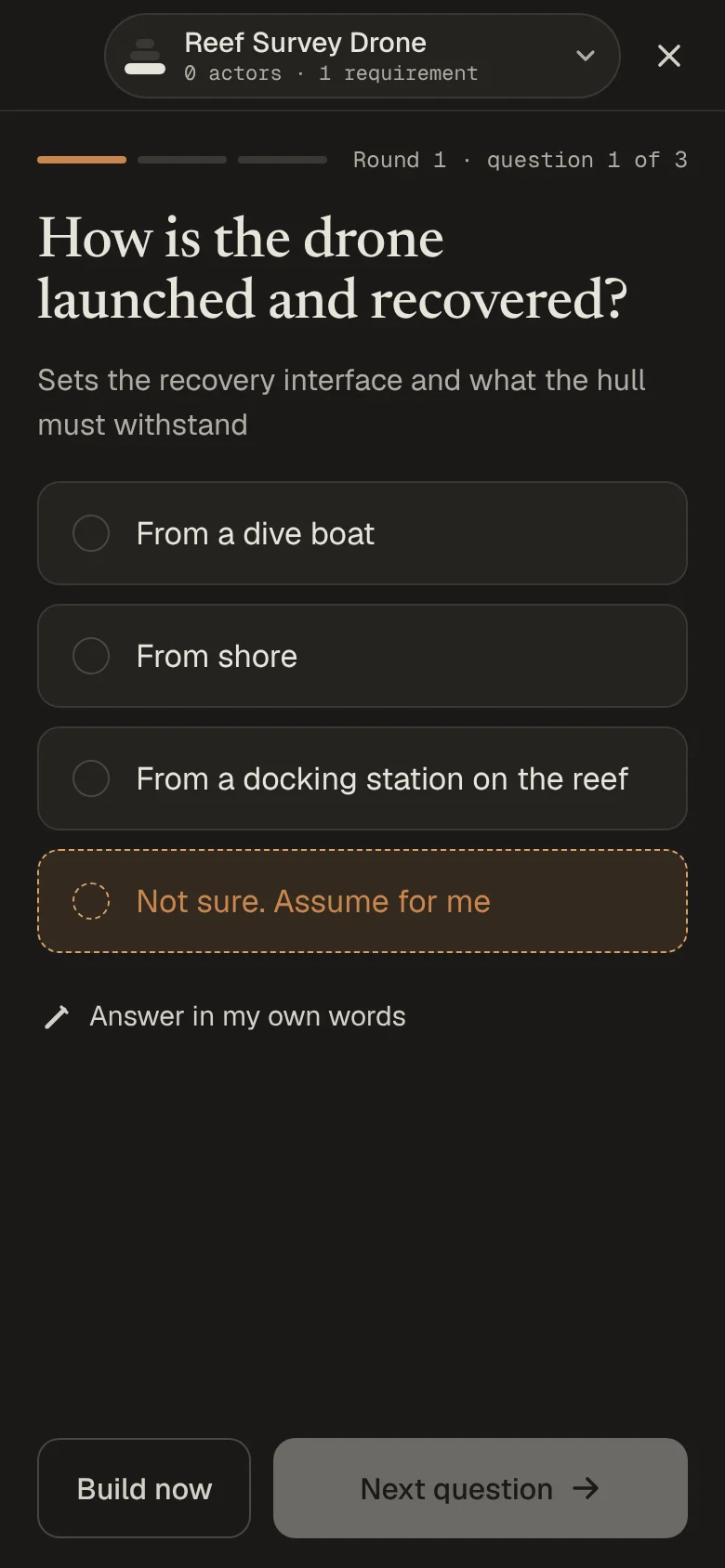
Cairn asks two or three short rounds of questions. Each answer becomes a fact marked You said or Assumed, and after each round you see what it changed.
Not sure? Say so, and Cairn assumes an answer for you. Assumptions stay out of the model unless you keep them.
The first build
You choose the first parts.
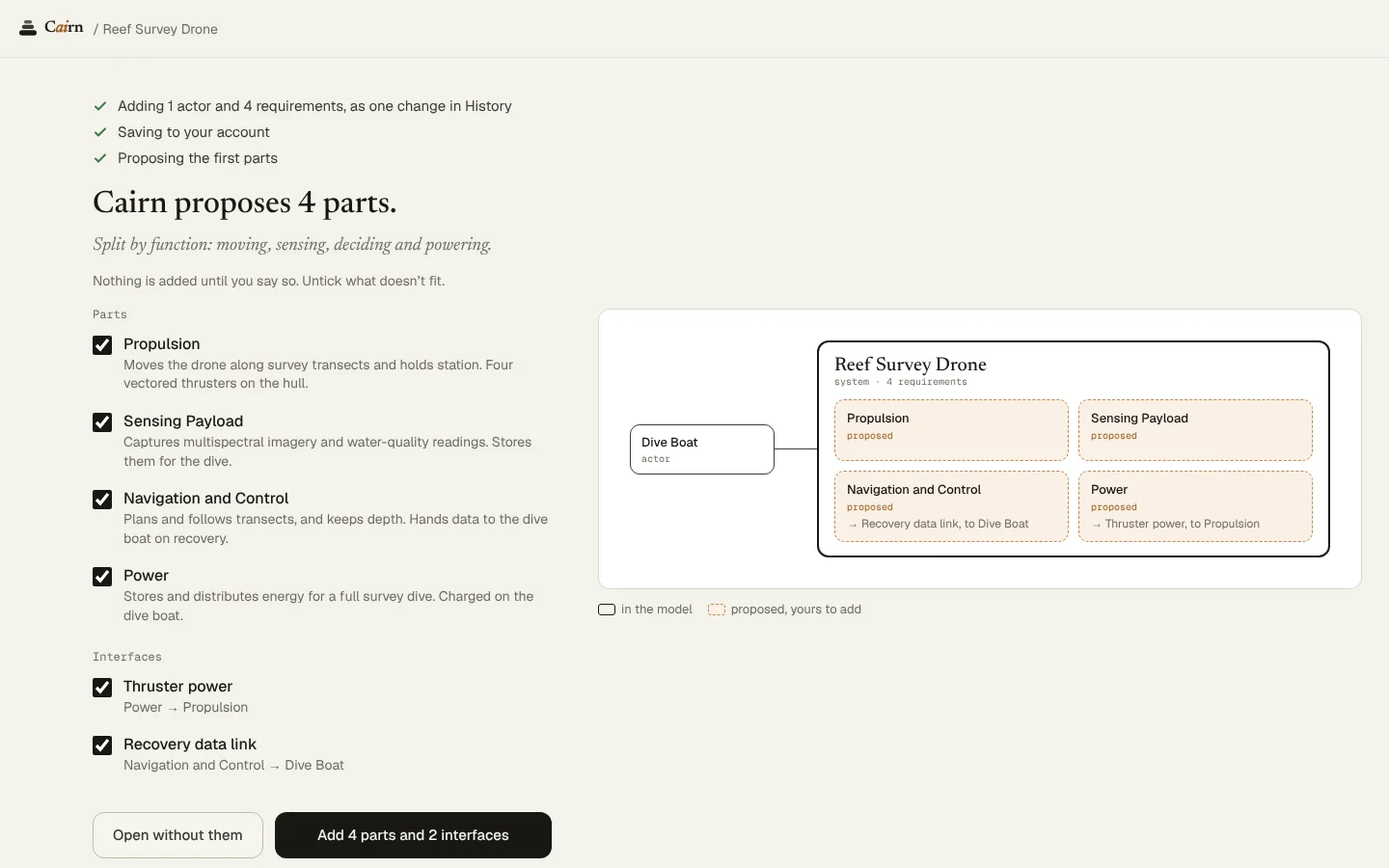
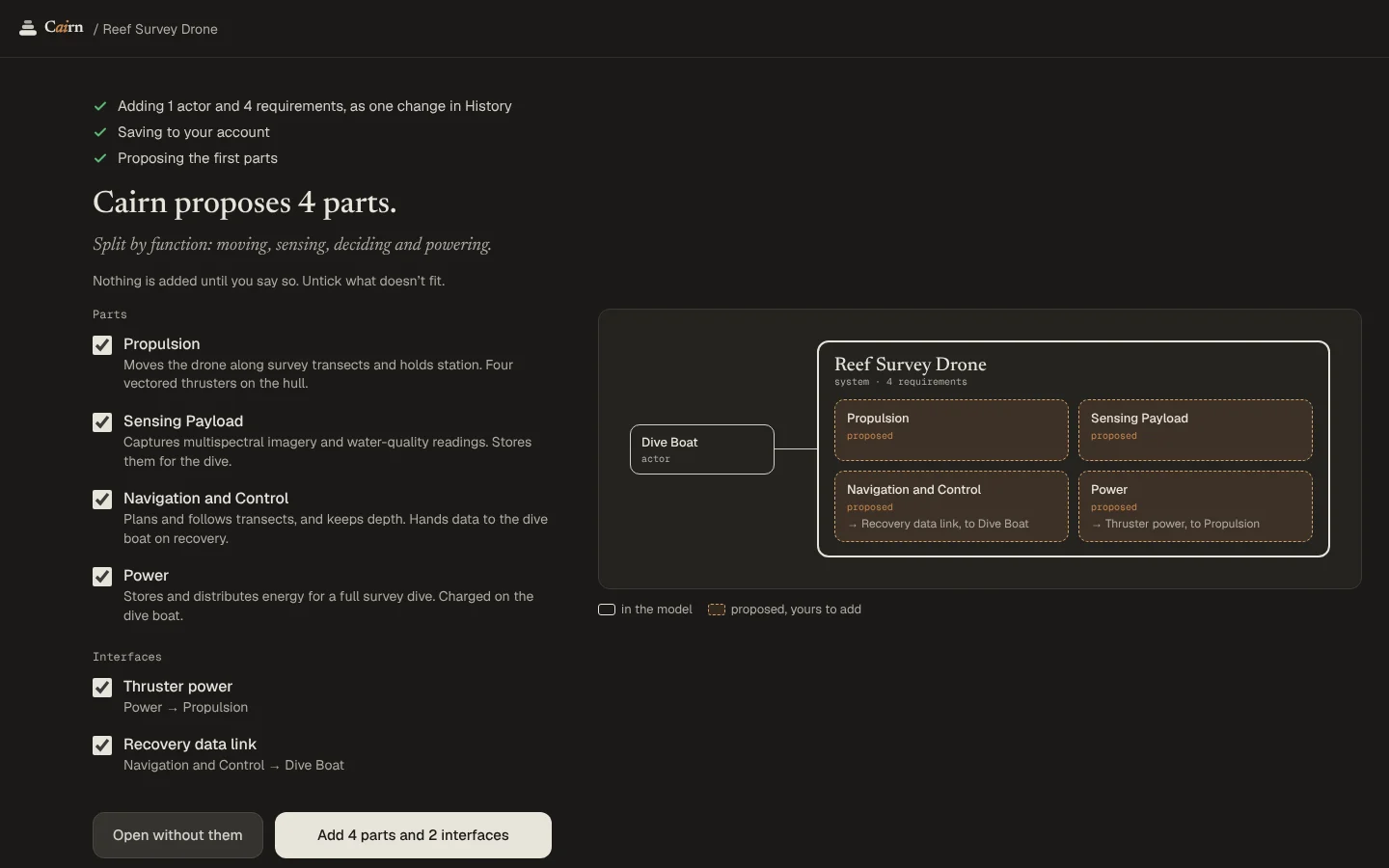
When you build, the facts you kept go in as one change. Then the Architect proposes the first parts and the interfaces between them.
Untick what doesn't fit. Nothing is added until you say so, and you can leave the proposal for later.
Lenses
Twelve lenses, three groups.
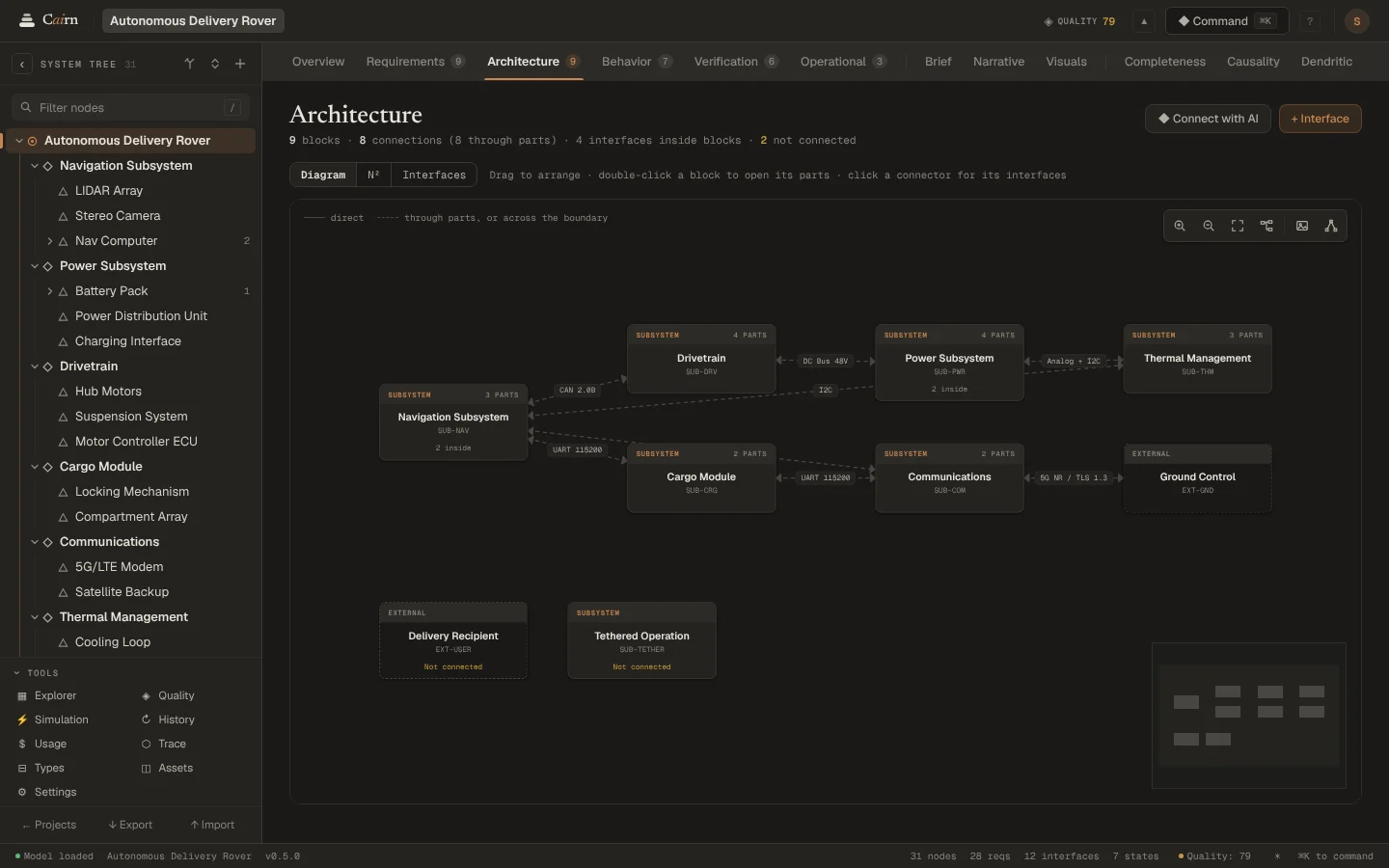
Each lens is a way to read the same part of the model, and each has a key. The tree on the left picks the part; the lens bar picks how you look at it.
Model
- Overview OThe node at a glance: children, budgets, and every lens in summary
- Requirements RWhat the node must do, and what satisfies it
- Architecture AChildren as blocks and every interface between them, at any depth
- Behavior HIts states and transitions, the events each state handles, and a simulator
- Verification VHow each requirement is verified, and where it stands
- Operational PUse cases: actors, conditions and steps
Story
- Brief BThe node as an eight-section design brief
- Narrative NHow its parts work together, told as a systemigram
- Visuals GConcept images and a 3D mesh
Analysis
- Completeness MWhere the node is under-modeled
- Causality CThe prerequisite pyramid and its maturity
- Dendritic DDesign alternatives explored and pruned
Review and history
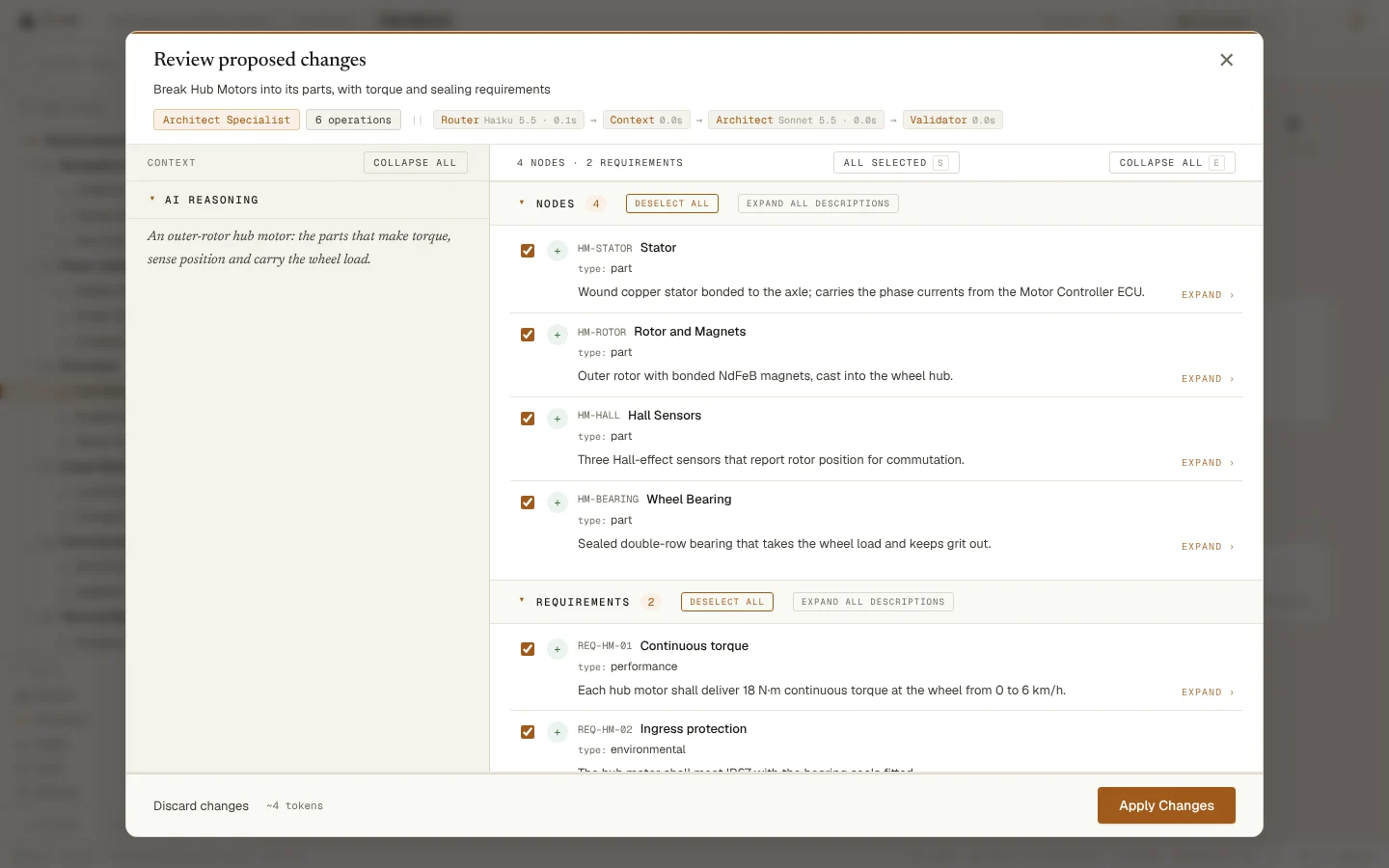
Nothing changes behind your back.
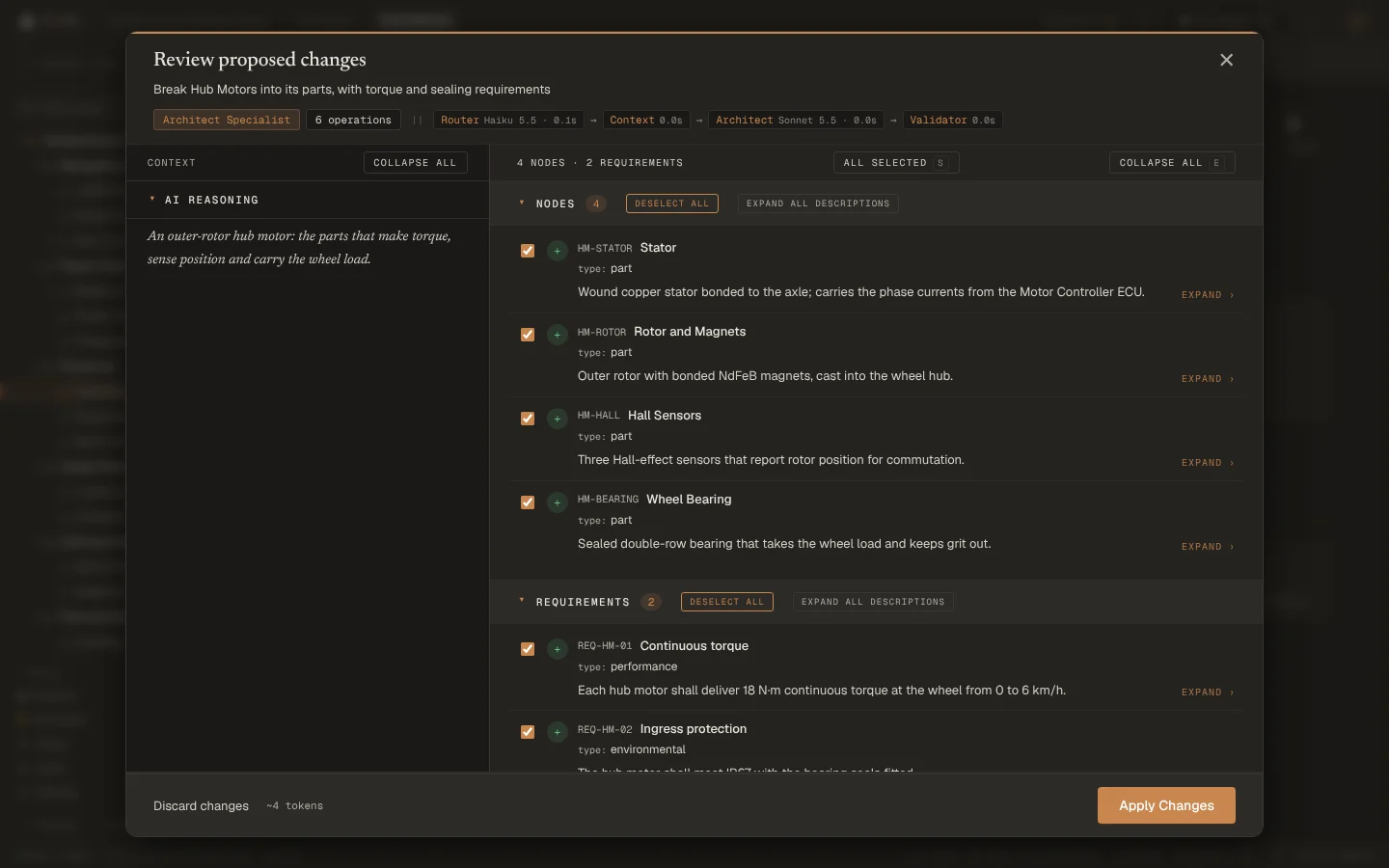
Every change the AI proposes opens in Change Review: what it would create, change or delete, its reasoning, and the checks it passed. Tick what you want and apply it as one change.
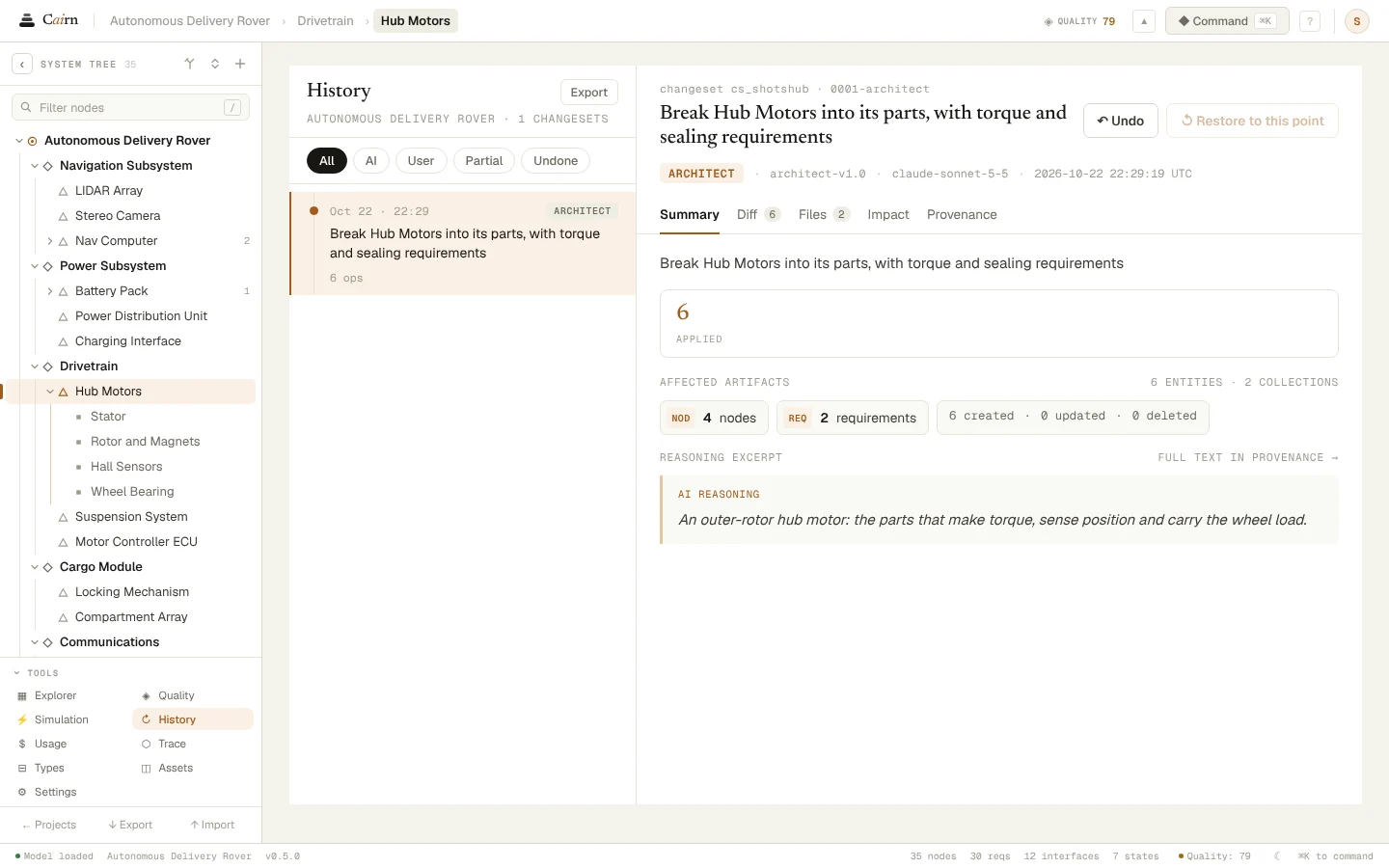
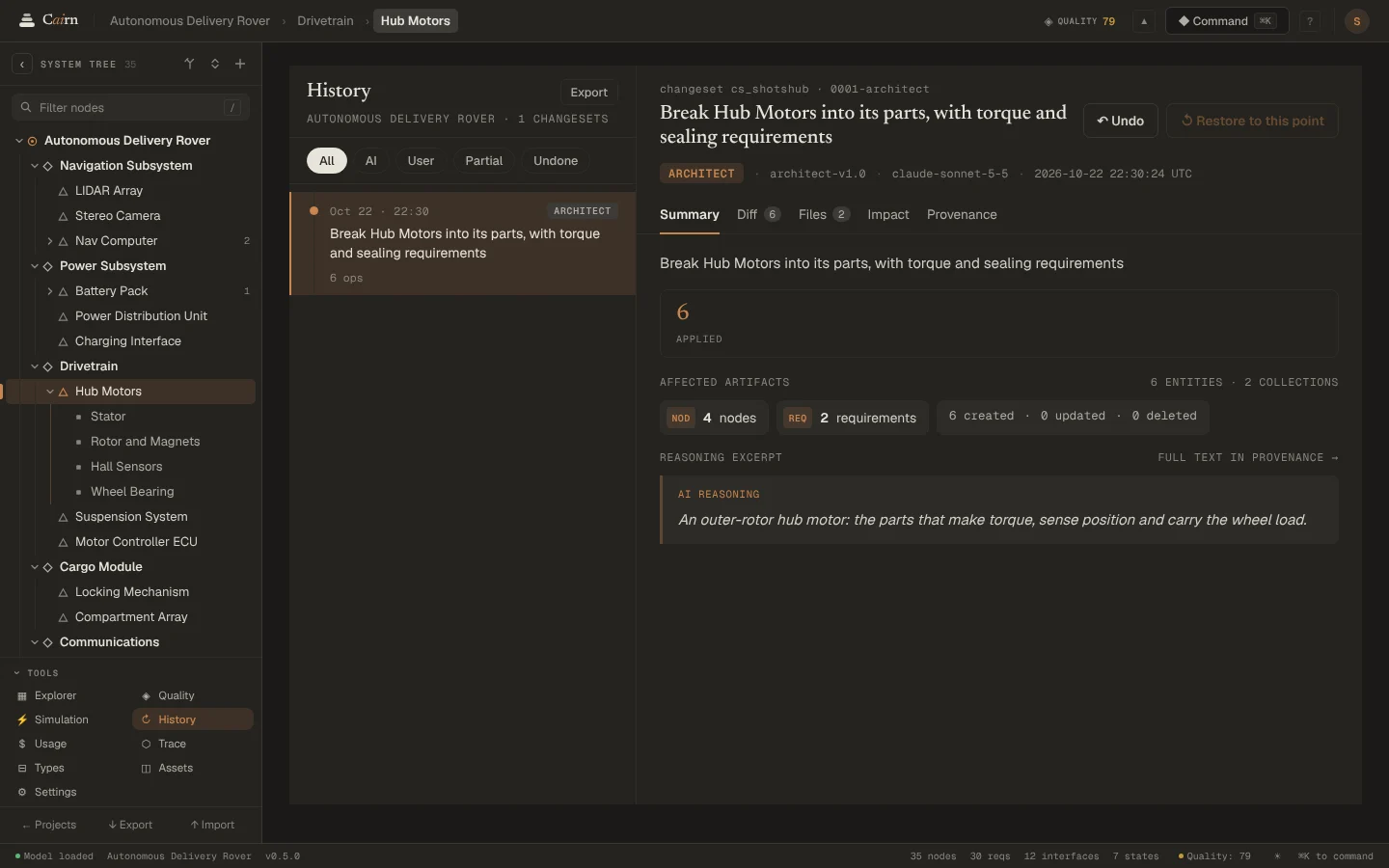
History keeps every change, with the request, the model and the cost. Undo any change, or restore the whole model to any point.
Traceability
Every requirement, traced.
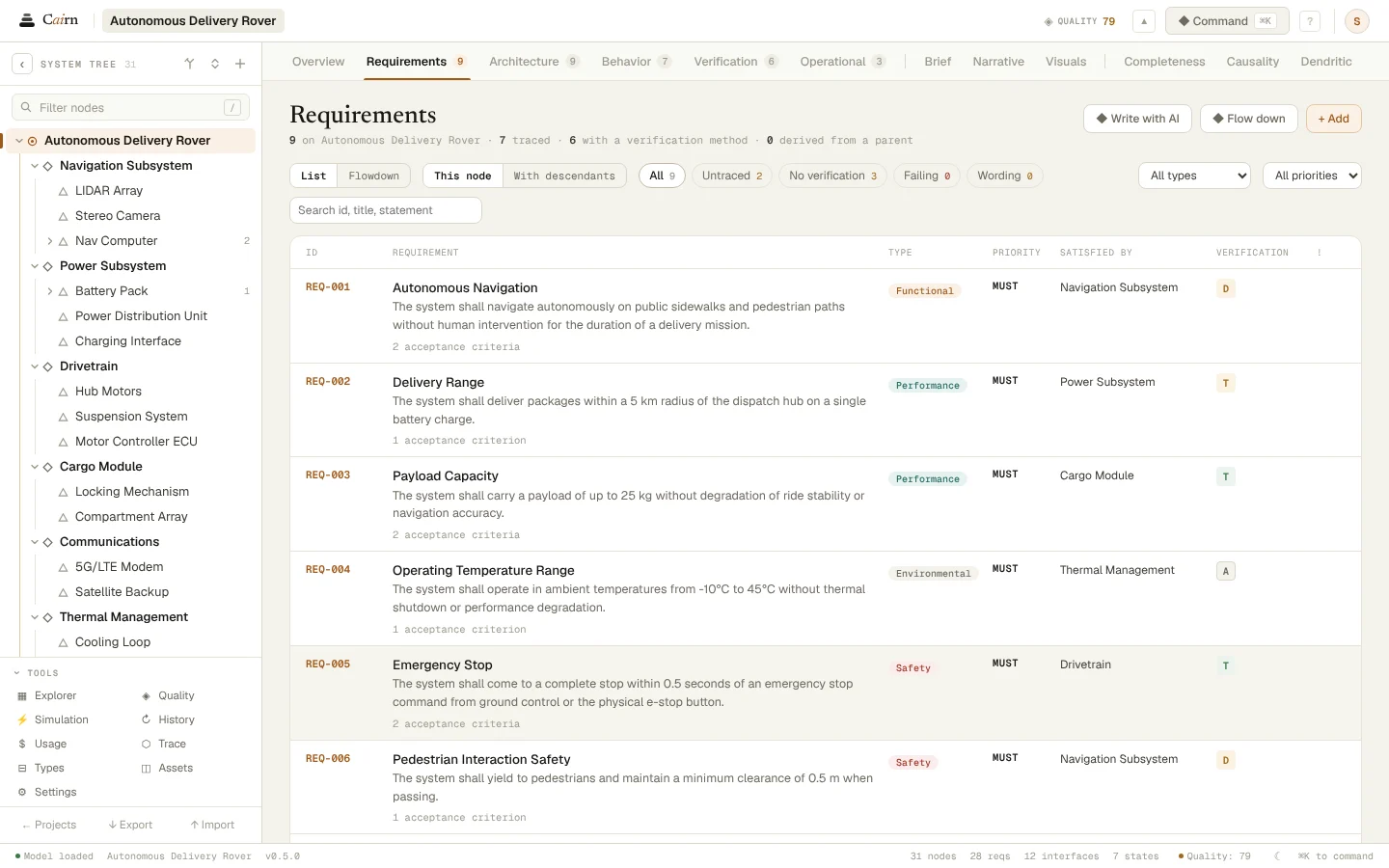
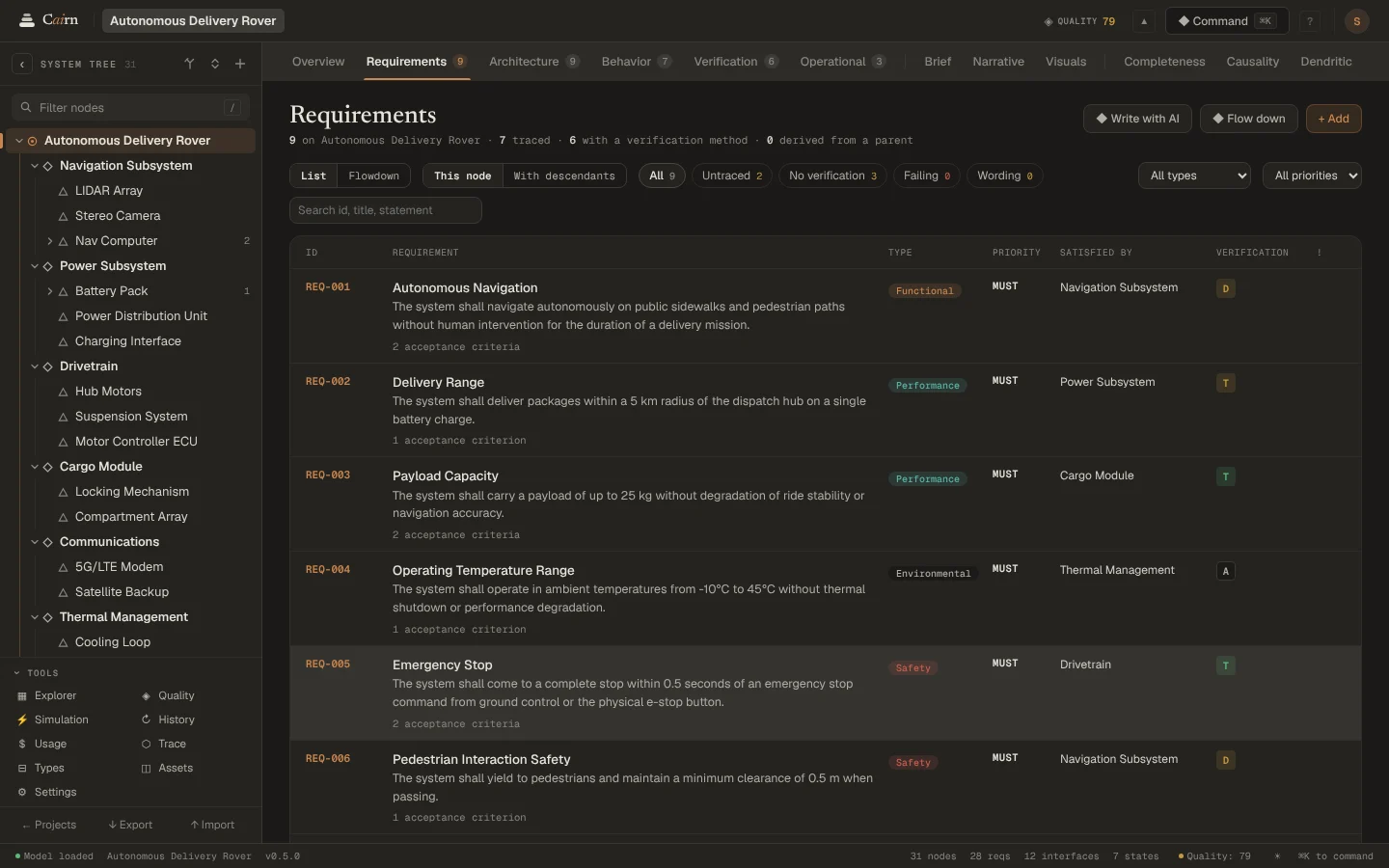
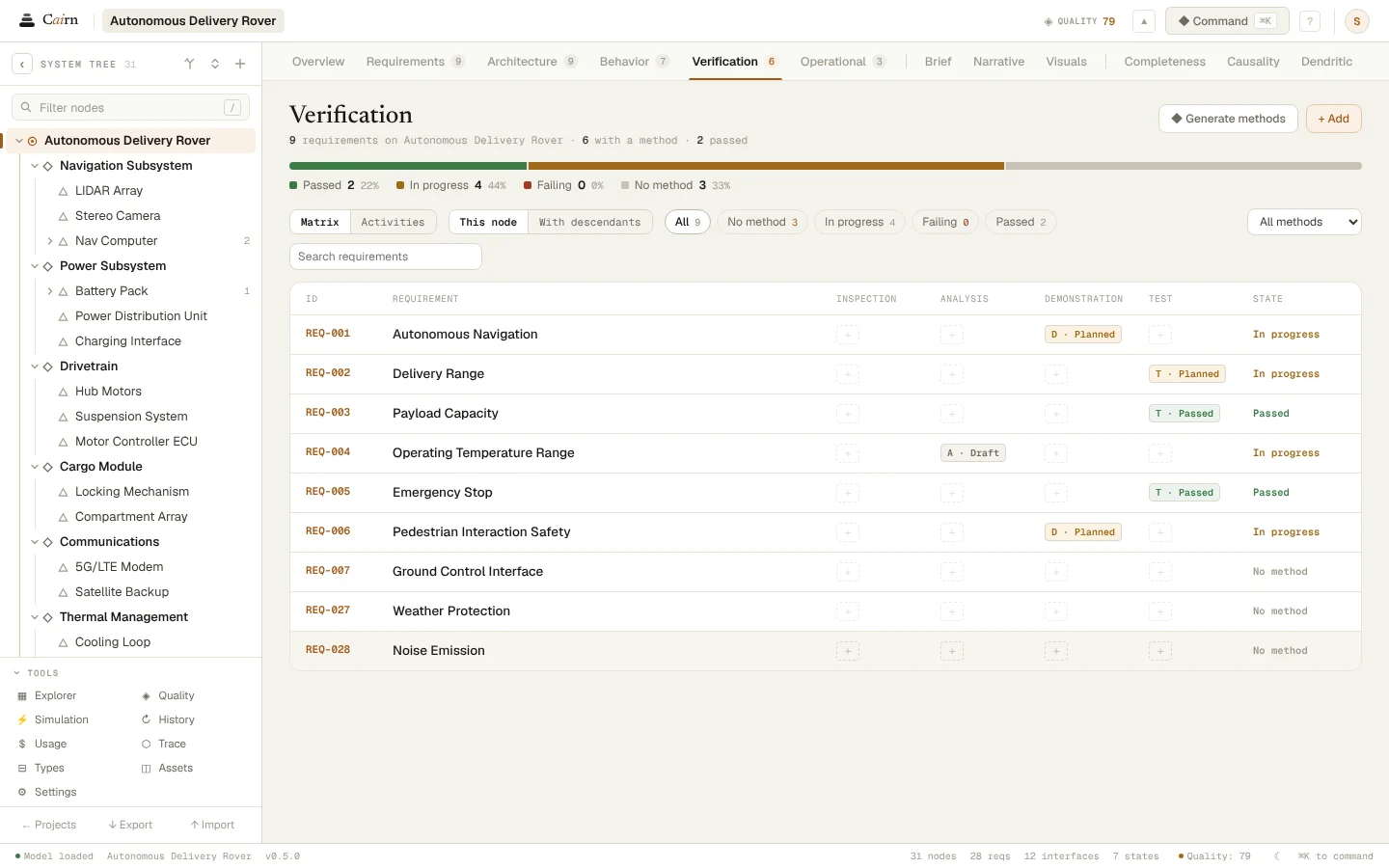
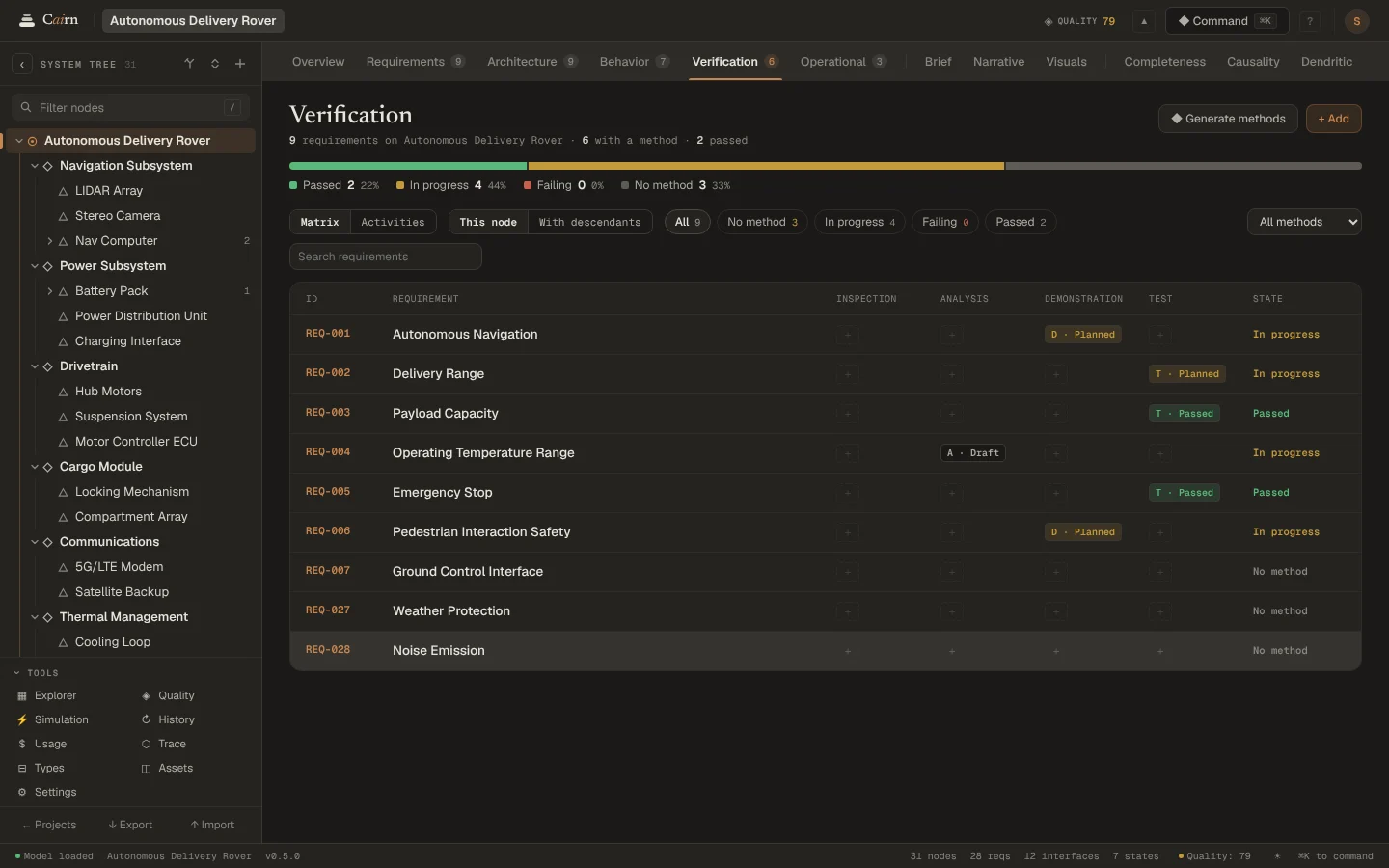
Requirements flow down from the system to its parts, and each says how it will be verified: by test, analysis, demonstration or inspection. The matrix shows what is covered and what isn't.
Your data
Your model, your machine.
Projects live in your browser and save as you work. Backing up to your account is a switch for each project, and the interview turns it on as you go, so you can pick up on another device. An interview begun on a phone always backs up, since a computer is where you finish it.
Export a whole project whenever you like, and import it again anywhere.
The AI
The AI, plainly.
Cairn runs on Claude. Claude Haiku 5.5 reads each request and sends it to the right specialist. Claude Sonnet 5.5 writes the proposal; with your own Anthropic key you can choose Claude Opus 5.5 for the hardest work. Each call asks for as much thinking as its job needs.
If Claude declines a request, Cairn tells you so and why, instead of guessing.
During early access every account gets 50 AI actions every 30 days. Each call to a model is one action, and a request usually takes two: one to route it, one to write the proposal. With your own key there is no limit. Pricing
What are you building?
Say it the way you would tell a colleague. Cairn asks a few questions, then builds the first model with you.