Features Behavior and state machines
Behavior you can step through
The Behavior lens holds a node's state machine: its states, and the transitions between them with their triggers, guards, actions and timing. Draw it by hand or ask AI for one, then step through it to see that it does what you meant.
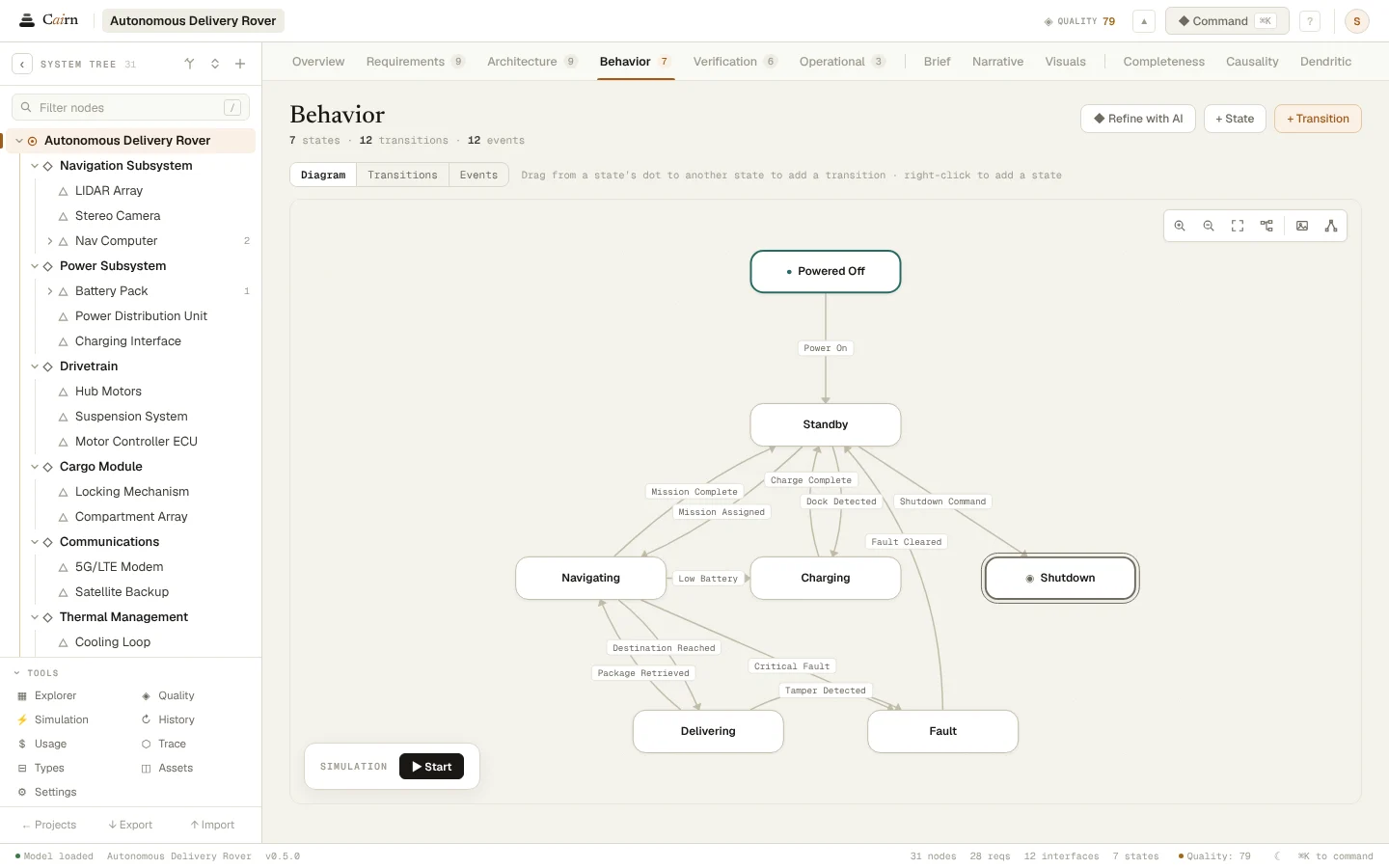
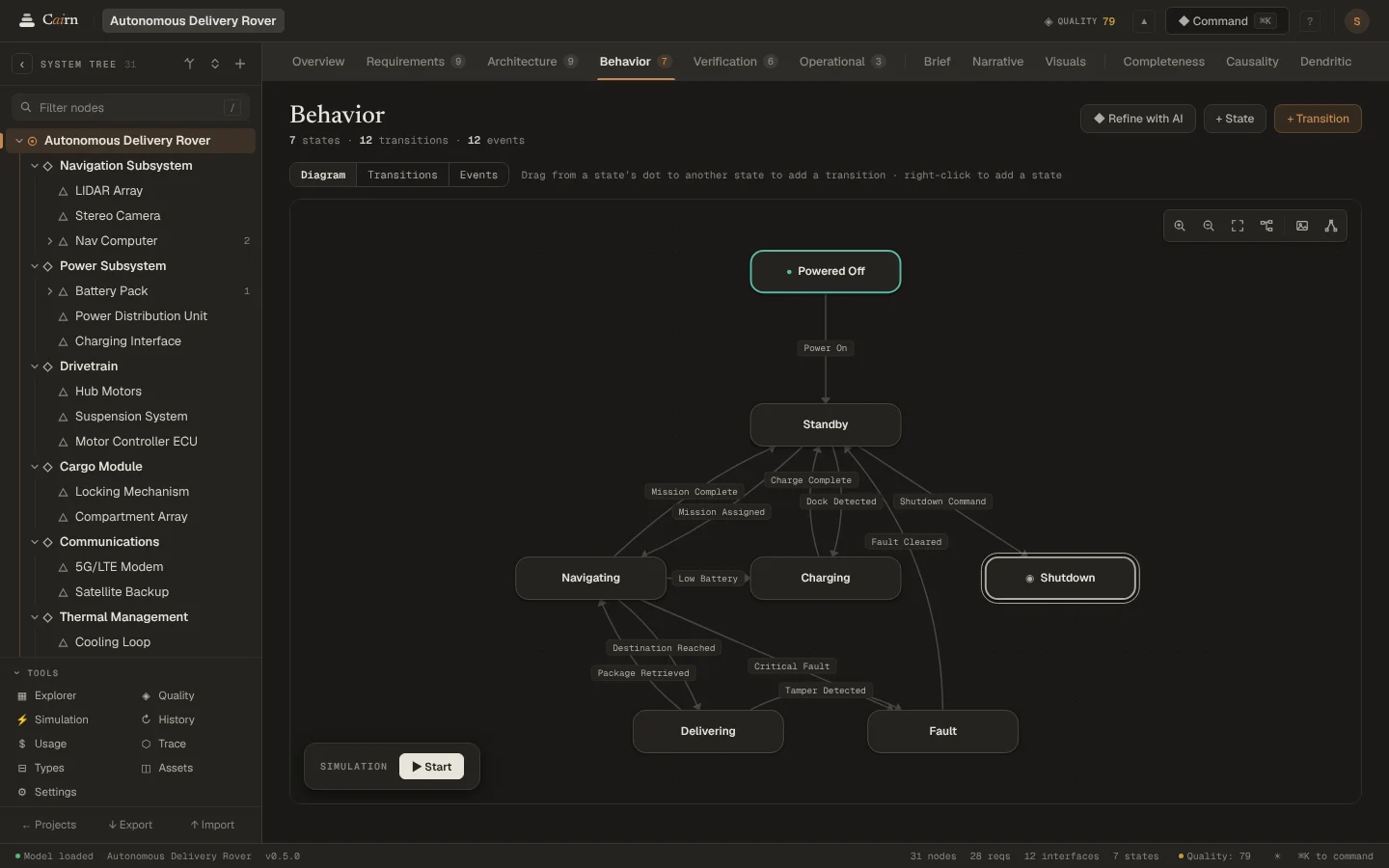
Three views
A diagram laid out in steps from the initial state, the transition table, and a state × event matrix that shows which events each state ignores.
Checked as you go
Cairn flags unreachable states, dead ends, final states with exits, and transitions that compete for the same event. The same checks run in the lens, in Quality and on every AI proposal.
Step through it
The simulator starts in the initial state and offers the events that leave it. Follow a path and see where the machine can go, and where it can't.
AI, reviewed
The Behavior specialist proposes states and transitions for the node you pick, and validators check them before you see them. In the demo it gives the rover's cargo lock a state machine, with a jammed bolt handled.
Questions
- Can a single part have its own state machine?
- Yes. Every node can have its own states and transitions: the system, a subsystem or a single part.
- What do the behavior checks look for?
- States nothing reaches, states with no way out, final states that have exits, and two transitions from one state on the same event.
See it on your own system.
Describe what you are building and Cairn interviews you, then builds the first model with you.