Features Requirements
Requirements that belong to the model
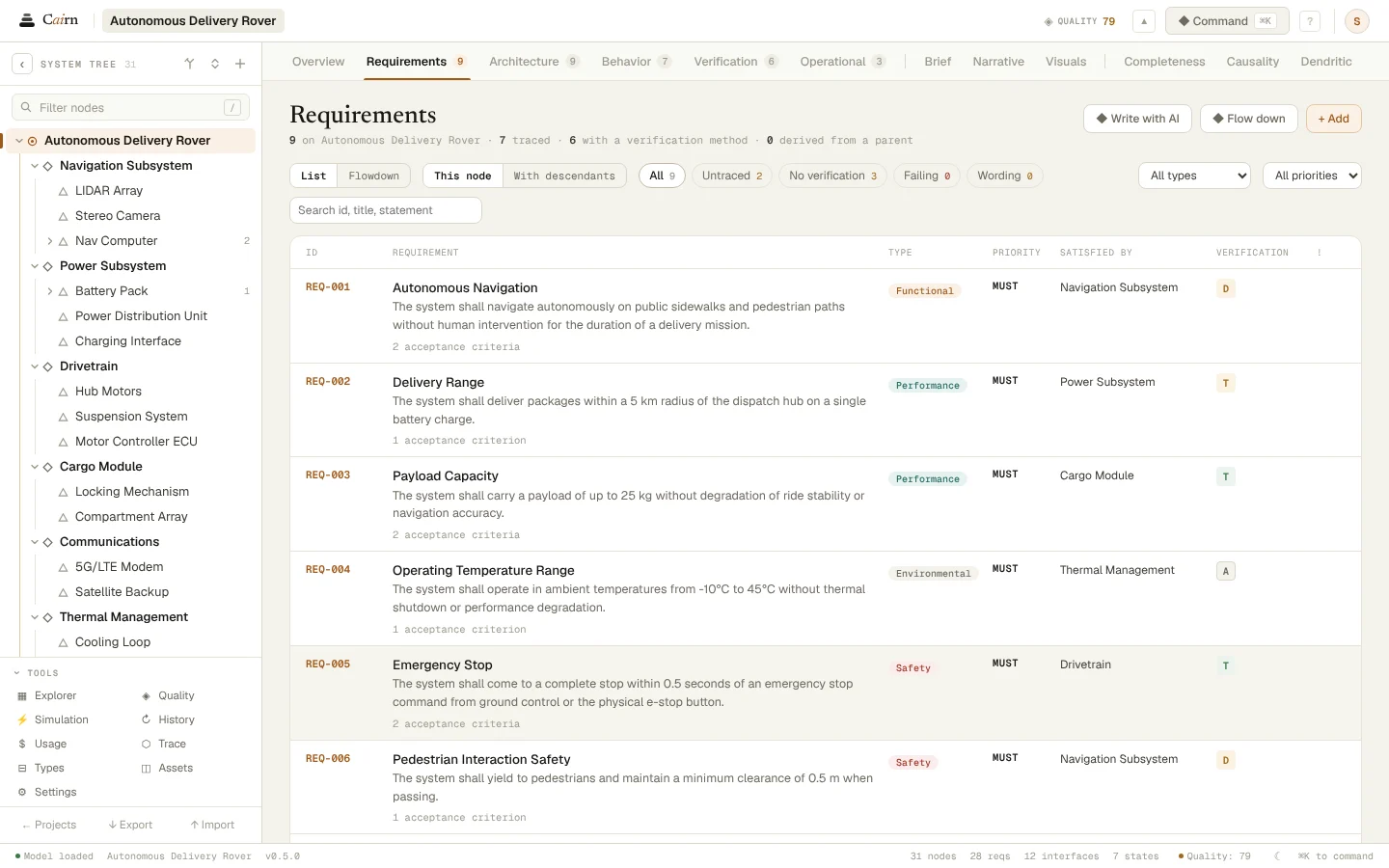
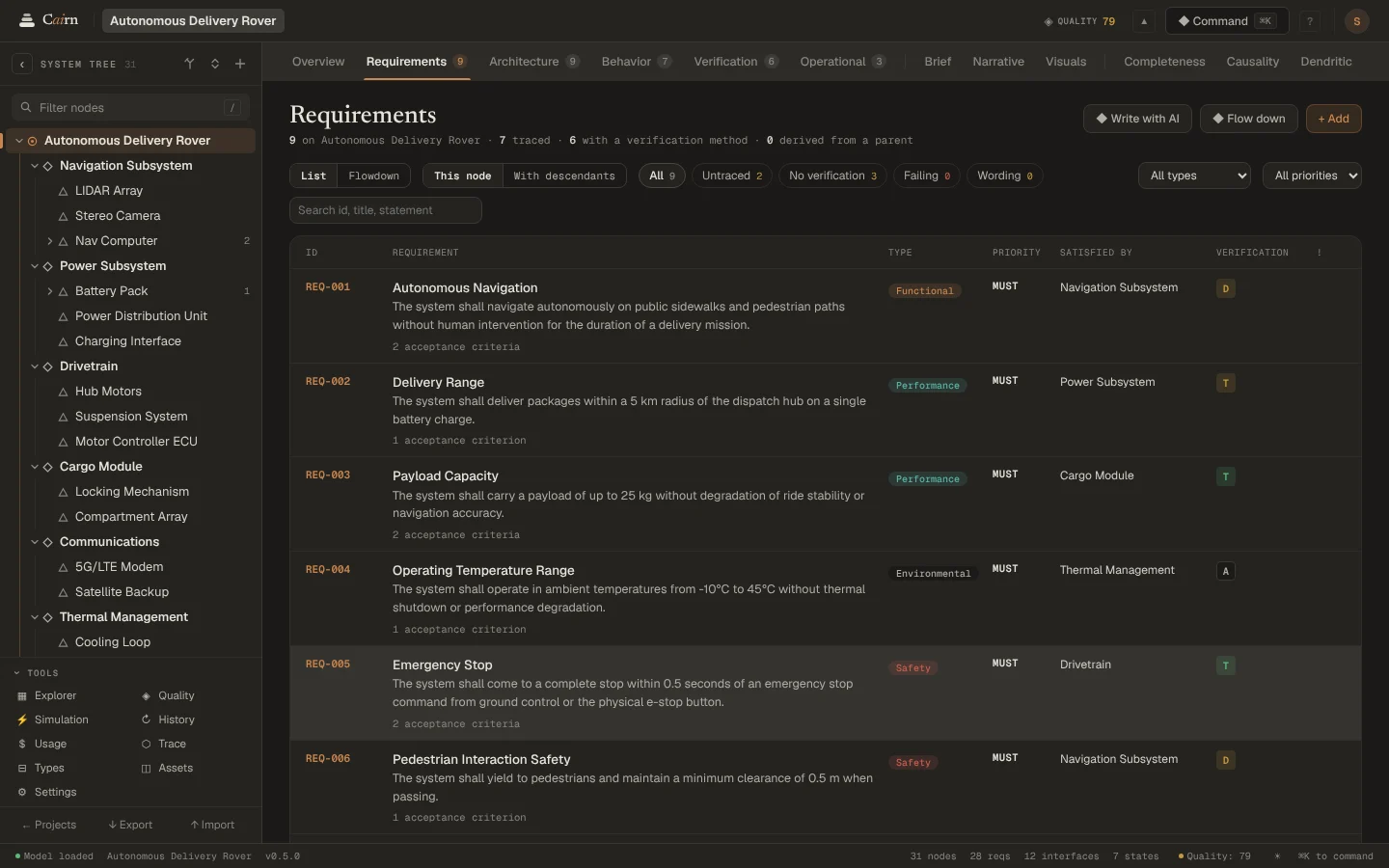
Ask for requirements on any node and Cairn writes them from what the model says about it: its parts, its interfaces and the requirements above it. Each has a type, a priority, a rationale and acceptance criteria, and names the requirement it derives from.
Written from the model
The Requirements specialist reads the node, its neighbours and the requirements above it, so what it writes fits where it lands. The flowdown view nests derived requirements under their parents across levels.
Checked as they arrive
Wording checks flag a requirement with no "shall" or more than one, words nobody can verify such as "adequate" or "user-friendly", a performance requirement with no number, and one with no acceptance criteria. The same checks run on requirements you write yourself.
Verification from the start
A requirement can arrive with how it will be verified: inspection, analysis, demonstration or test. The Verification lens shows what each requirement has and what it lacks.
Reviewed before they join
Generated requirements open in Change Review like any AI change. Untick the ones that miss, apply the rest, and edit them afterwards in place.
Questions
- Can I write requirements myself?
- Yes. Add and edit requirements in the Requirements lens, the inspector or the Model Explorer. The wording checks apply to yours as well.
- What makes a requirement badly worded?
- Cairn flags a requirement with no "shall" or more than one, unverifiable words such as "adequate" or "easy", a performance requirement with no number, and one with no acceptance criteria.
See it on your own system.
Describe what you are building and Cairn interviews you, then builds the first model with you.