Features Exports
Your model, in files you keep
A Cairn project lives in your browser and can back up to your account, but it is yours to take anywhere. Export the whole project, the model alone, a diagram, or a document written from it.
The whole project
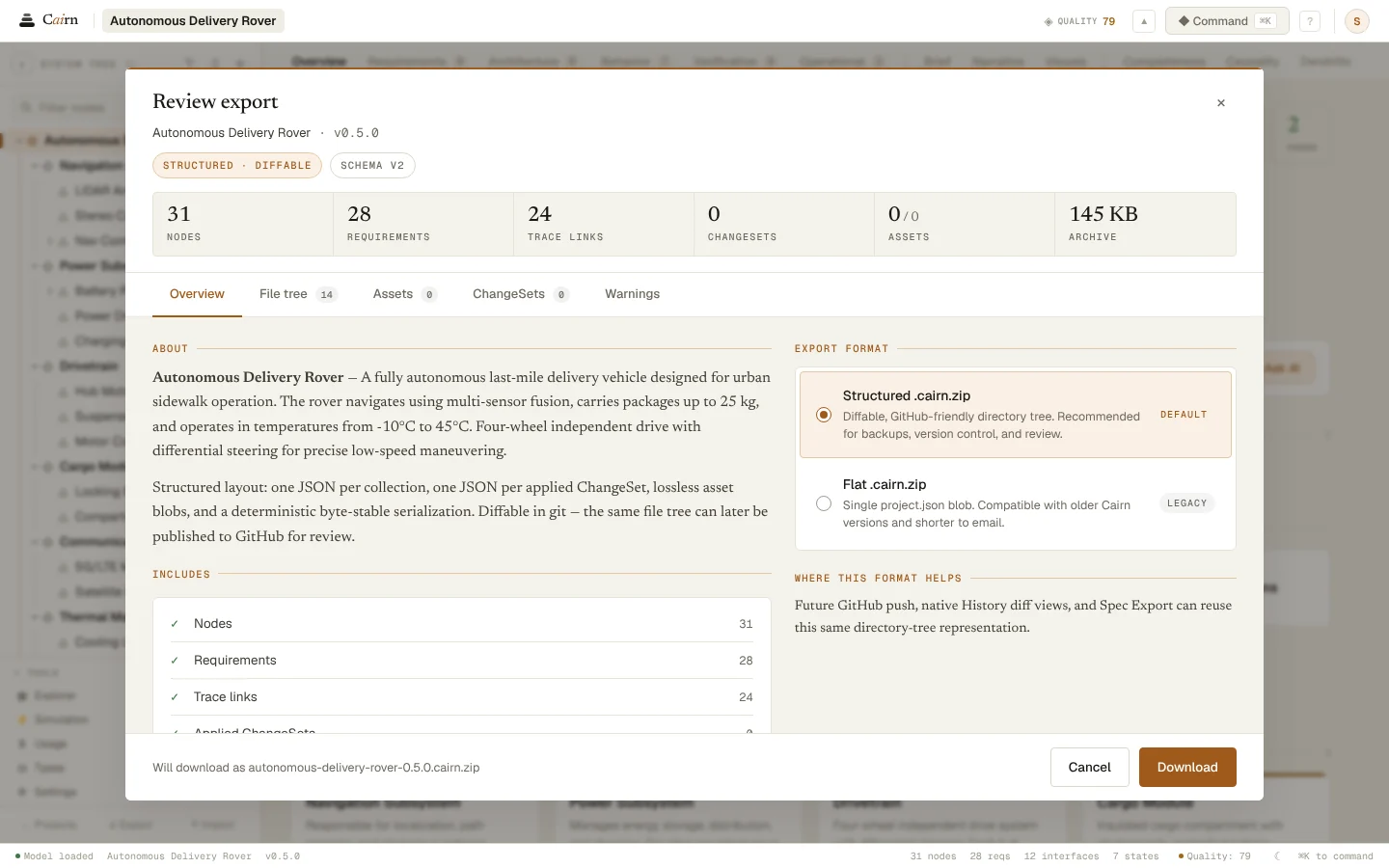
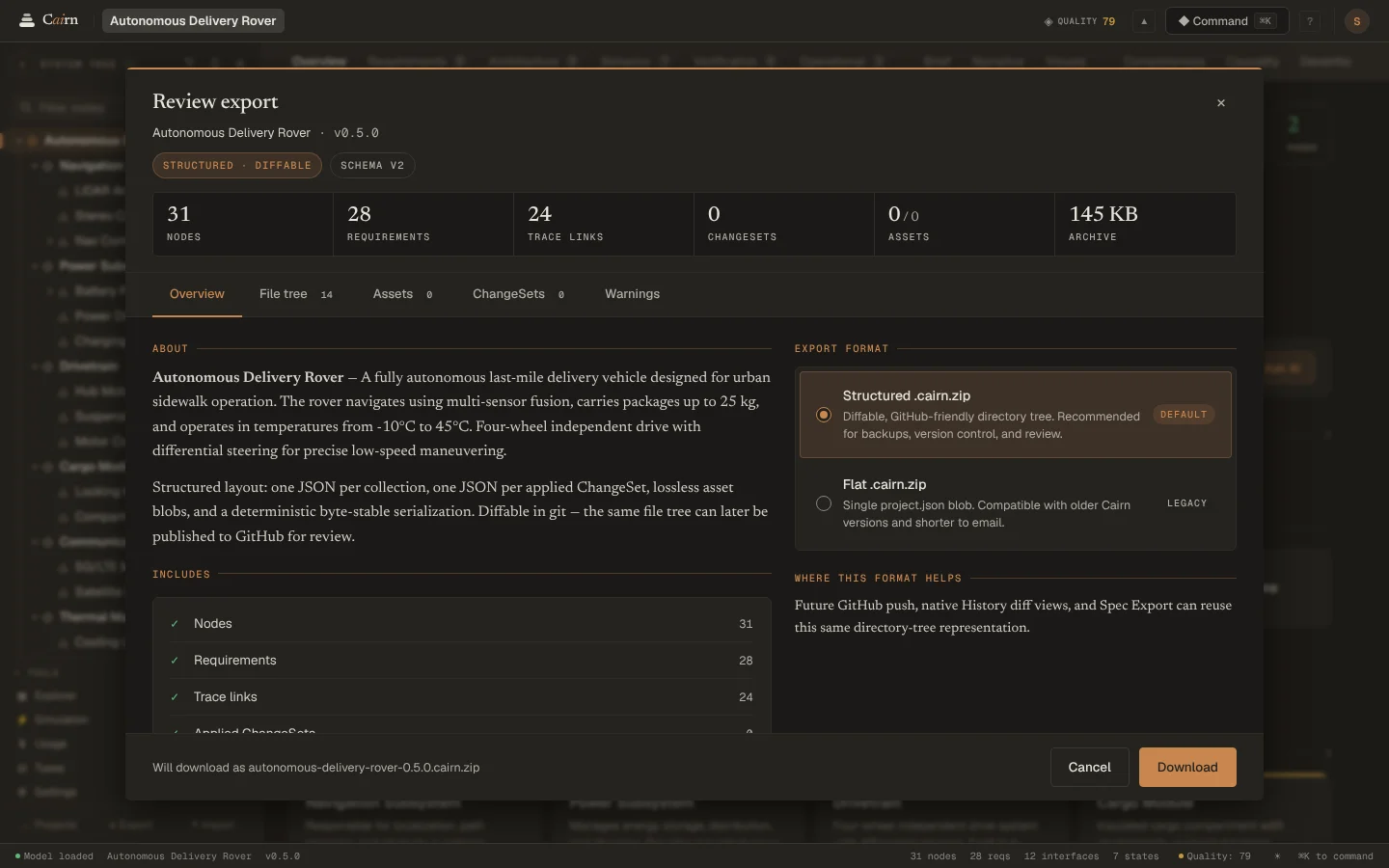
Export Full Project writes a .cairn.zip with the model, every ChangeSet, usage and assets. Review what's in it before it downloads, and import it again on any device.
The structured layout keeps one JSON file per collection and one per ChangeSet, written the same way every time, so two exports of the same model are the same files.
The model alone
From Settings, download the model as JSON, as Markdown to read, or the requirements as a CSV table for a spreadsheet. These leave out history and attached files.
Diagrams
Architecture and behavior diagrams export as PNG or SVG from their toolbar, and the narrative's systemigram as PNG.
Documents
With your own Anthropic key, Cairn can write a PowerPoint brief or a Word report from the model, saved to the project's assets.
Questions
- Is my model locked into Cairn?
- No. A full export holds everything, in plain JSON files, and imports again on any device.
- Can I keep exports under version control?
- Yes. The structured export writes the same files for the same model, one per collection and one per change, so a diff between two exports shows what changed.
See it on your own system.
Describe what you are building and Cairn interviews you, then builds the first model with you.